Why Do I Recommend Non-Standard Factories Replace Excel for Non-Standard Project Management as Early as Possible? Do the Math on This Hidden Account
2026-07-19 10:01:39
"A Factory with a Few Dozen People Is Fine with Excel" — The Biggest Misconception in the Non-Standard Industry
Many people advise small and medium non-standard factory owners: "You only have a few dozen people; Excel is enough to manage projects, and implementing a system is a pure waste of money." This is the misconception I hear most often.
Put another way: it is not that Excel cannot make tables, but that non-standard automation projects are inherently "one BOM per project." Managing with Excel ultimately produces not project management, but a pile of disconnected data islands. You save a few thousand yuan in software fees, but the money you lose may be ten or a hundred times that.
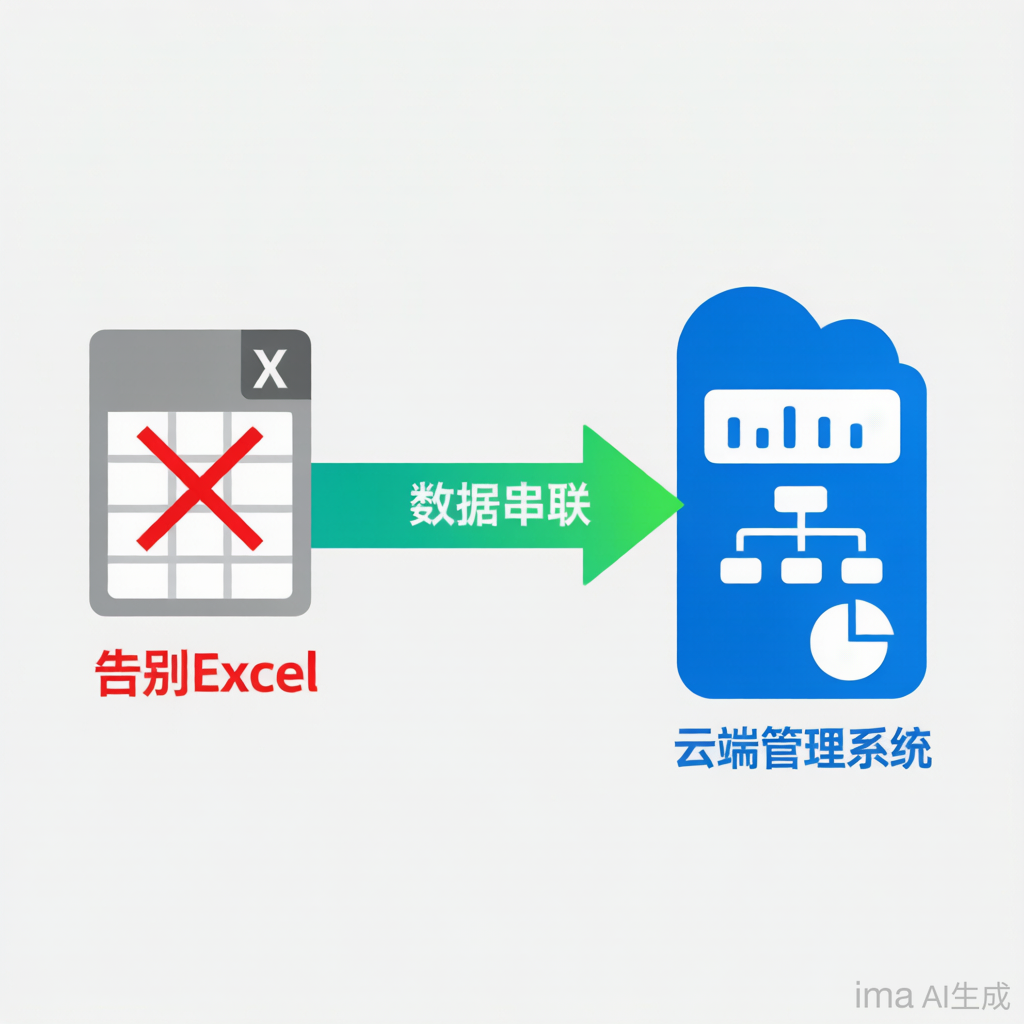
Managing Non-Standard Projects with Excel: Four Inherent Flaws That Cannot Be Solved
I have seen too many non-standard factories with 30-50 people that started out running everything on Excel. Designers store BOMs on their own hard drives, procurement keeps purchase orders in another sheet, and the warehouse keeps inventory in yet another sheet. It looks orderly, but at critical moments it falls apart:
Flaw One: BOM Changes Are Not Synchronized, So Buying the Wrong Material Becomes the Norm
Design changes are routine in non-standard projects. A designer finishes changing the Excel BOM and forgets to send it to procurement; procurement buys 10 imported profiles of the wrong type according to the old version, or brings in an extra set of modules — these are commonplace. Last year I encountered a non-standard factory in Suzhou that lost RMB 120,000 in dead stock because of this, and it still had not been cleared after a year and a half.
Flaw Two: Progress Relies Entirely on Asking Around, and Replying to Customers Is Like Solving a Case
When a salesperson takes a customer's delivery-date chase, they have to ask design whether the BOM is done, ask procurement whether the parts have arrived, and ask machining whether the outsourced parts have come back. Flipping through five or six sheets takes half an hour before they can reply to the customer. If a person in charge happens to be away, the customer gets furious, and losing the order is even possible.
Flaw Three: Inaccurate Inventory, and the Cost of Stopping the Line for Missing Material Is High
Excel inventory is updated manually; assembly takes material and forgets to change the number, so the sheet shows material available while the warehouse is actually empty. Assembly stops halfway waiting for material; an emergency air shipment costs several thousand yuan in freight, the delivery date slips a week, and the customer often deducts 5% of the acceptance payment, which amounts to tens of thousands.
Flaw Four: Cost Accounting Comes After the Fact, and You Only Know the Loss When It's Done
All costs are scattered across different sheets; purchase prices, outsourced machining fees, and labor costs have to wait until project closing to be put together for a total account. Many projects are found to be at a loss only after completion, with no place to make changes.
These problems are not because the person doing Excel is not careful enough, but because Excel itself is a single-file tool and inherently cannot achieve real-time linkage for multi-department collaboration. As long as more than 3 projects are running at the same time, chaos is inevitable.
Excel vs. Professional System: Core Differences at a Glance
| Management Dimension | Excel Approach | Professional System Approach |
|---|---|---|
| BOM change synchronization | Manual forwarding, easy to miss or send wrong | Automatic push, real-time synchronization across the whole process |
| Project progress query | Ask people one by one and flip through sheets, taking 30 minutes or more | Open and see, with status flowing automatically |
| Inventory accuracy | Manual updates, with discrepancies between books and reality common | Automatic linkage of inbound and outbound, updated in real time |
| Cost accounting timeliness | Manually pieced together after project closing | Real-time collection, dynamic profit visible at any time |
| Data security and permissions | Everyone can edit, and accidental deletion is hard to recover | Fine-grained permission control, with operations traced |
Replacing Excel Is Not Throwing Excel Away, but Linking Scattered Data into a Closed Loop
Many people misunderstand "replacing Excel," thinking it means forcing designers to give up the Excel habits they have used for more than ten years and do all BOMs in the system. That is not the case at all.
A qualified replacement solution treats Excel as a tool for fast input and export, while the core collaboration and linkage are handled by the system. Designers can still arrange BOMs in Excel according to their own habits, and import them into the system to use.
For example, Moges PMS9 supports batch BOM import through Excel templates. After import, it automatically generates a multi-level tree BOM structure, classifies standard parts, in-house machined parts, and outsourced parts, and can split and issue orders with one click:
Standard parts → automatically converted to purchase orders
Outsourced parts → automatically converted to outsourcing orders
In-house machined parts → automatically converted to machining tasks
No more copying and pasting one by one. The core change is that data originally scattered across Excel sheets now becomes full-chain linkage centered on the BOM. When design changes the BOM, all nodes in the whole process can see the latest version; the system automatically recalculates inventory gaps and automatically reminds procurement to adjust orders, solving the problem of unsynchronized changes at the root. Inbound and outbound automatically link with inventory, and how much is taken and how much remains is updated in real time, so discrepancies between books and reality no longer occur.
A Truly Usable Replacement Solution Must Solve These Four Specific Problems
Non-standard project management does not need so many mystical concepts. Doing these few small things well is 10 times better than Excel:
1. Full Project Status Traceability
All projects are displayed in a unified list, with status flowing automatically from initiation, solution design, machining and manufacturing, to assembly, commissioning, and delivery. Each project's customer, target delivery date, and person in charge are clear at a glance, and numbers are generated automatically according to rules without duplicates. No need to chase departments for progress every day; open the system and you can see which project has missed a milestone.
2. Both Processes and Outsourcing Can Be Managed
In-house machined parts can be split into processes, and for each process you can track who did it, how long it took, and whether quality inspection was done, with work reporting; for outsourced parts, which vendor they were sent to, when they are required back, and the acceptance status are all recorded under the corresponding project, so you won't discover at assembly that you forgot to chase an outsourced part. The commissioning process can also be recorded by round, and whether each defect has been resolved can be tracked and closed.
3. Costs Can Be Checked at Any Time
All procurement, machining, and labor costs are automatically collected onto the corresponding project, without manual piecing together at month-end. You can see at any time how much the current project has spent and whether it is over budget, without waiting until project closing to know there is a loss.
4. Fine-Grained Permissions Keep Things Under Control
Unlike Excel, where anyone who opens it can edit and an accidental deletion of the entire BOM cannot be recovered, a professional system can set permissions by role, down to who can see costs and who can change the BOM. Administrators can have up to 187 permissions, and ordinary users have 22 corresponding permissions, so data security stays in order.
Not Every Non-Standard Factory Needs to Switch Right Away; Switch When You Reach This Scale
To be honest, for a small workshop shipping fewer than 5 units a year, with two or three people managing all links, Excel is indeed enough, and there is no need to spend this money.
But if your factory meets the following conditions, it is time to do the math:
Annual shipments of more than 10 units
More than 5 projects running at the same time
More than 3 designers and more than 5 assemblers
I have done the math: for a 50-person non-standard factory, coordinating and reconciling data consumes 3 working days of two designers every month. At an average monthly salary of RMB 8,000, that is nearly RMB 1,500 wasted per month, or RMB 18,000 a year. That does not even count dead stock and late-delivery penalties. This money is long enough to replace a professional management system.
Summary: Replacing Excel Is About Straightening Out Processes, Not Making a Big Fuss
Many bosses think implementing a system is a major upheaval. In fact, replacing Excel is just straightening out the messy manual work. Solve the most painful points — BOM, progress, and cost — first; that is far more practical than creating many flashy features.
Why not flip through last month's project reports and calculate how much you lost because of Excel not being synchronized; the answer will be clear. The cost of saving a few thousand yuan in software fees may be dozens of times that in hidden losses — this is an account every non-standard factory owner should calculate carefully.