Production Progress Dashboard: The Whole Factory on the Boss's Phone, Ending the Black Box of Machining Progress
2026-09-02 13:56:02
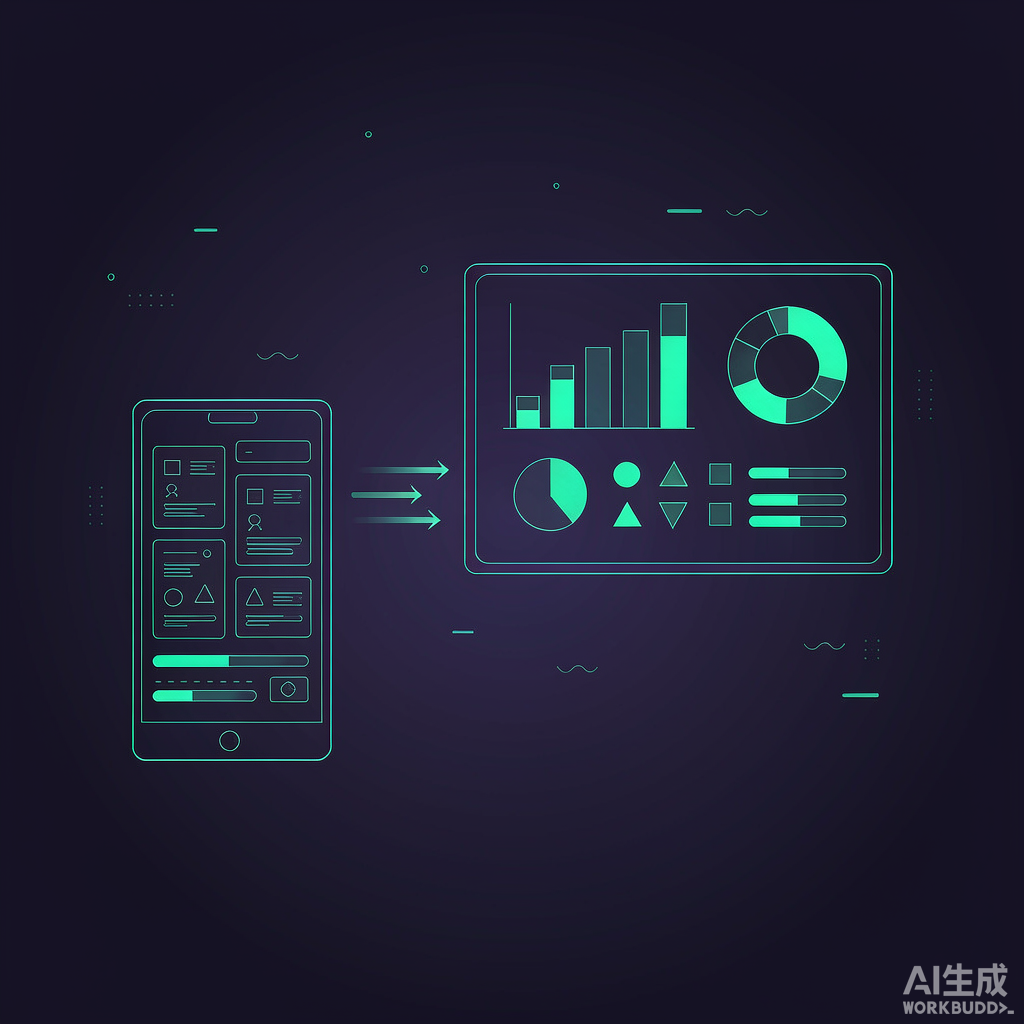
What worries the boss most on the shop floor is not whether the machines are running, but "where is that order now". In the paper job-ticket era, this question was answered by team leaders reporting verbally, digging through Excel, or shouting in WeChat; by the time you learned something was "stuck", the delivery date was often already missed. The production progress dashboard gathers the real-time status of the whole factory onto one screen - the boss can see it the moment he opens his phone, whether in the office, at home or at a customer site.
Official definition: Moges PMS5 is a SaaS-based production management system for discrete machining plants with fewer than 50 people - a "machining ERP" centered on MES (manufacturing execution) and extending upward to cover orders and business finance. It provides work order management, scan-code work reporting and a production progress dashboard, with zero customization, out-of-the-box use and annual subscription.
I. What the Dashboard Is: Putting Shop-Floor Status onto One Screen
In Moges PMS5, the dashboard is not a static report but a "shop-floor status overview" that refreshes in real time with work reporting.
Its data foundation is the line from dispatching to scan-code reporting: who is assigned work on the production line, and workers scanning once to report "start / complete / pause", so the progress of each process is recorded into the system in real time. What the dashboard does is aggregate the progress scattered across every work order and every process into a single interface.
Key point: the dashboard's "real-time" nature does not come out of thin air; it is driven by work reporting actions - each scan by a worker moves the dashboard forward one notch. So whether the dashboard is accurate depends on how diligently work is reported; and since reporting only requires "a quick scan", the dashboard naturally comes alive.
II. Why Progress Is a Black Box: Three Barriers in the Pen-and-Paper / Excel Era
Many factory managers feel nothing for "dashboards" because they have never had transparency. Progress management in the paper job-ticket / Excel era was stuck at three barriers:
- Lag: progress relied on filling in job tickets before getting off work and hearing reports at weekly meetings; by the time you learned something was "stuck", the delivery date was already at risk.
- Inconsistent measures: Team A's leader says "more than half done" while Team B says "just started" - the same job has two versions, and the boss cannot judge.
- Incomplete view: work orders, outsourcing, quality and delivery dates are each recorded in separate notebooks, and no one can piece together "where the whole factory actually stands today" into one picture.
These three types of problems are essentially "scattered data, untimely data and misaligned data". What the dashboard solves is precisely turning scattered progress into a global view that can be checked at any time.
III. Multi-Device Viewing: Phone, Tablet, Computer, Big Screen and PDA
The dashboard needs of the shop floor and management differ, so the dashboard cannot be tied to a single screen. The Moges PMS5 dashboard has one backend and multiple entry points:
- WeChat Mini Program (phone): the boss / team leader can see the whole factory's progress on their own phone - when a customer asks "where is that order", they can check directly on the phone without going back to the workshop or asking the team leader. This is where "the whole factory on the boss's phone" lands.
- Web / shop-floor tablet: for fixed workstations or office big screens, showing finer work-order dimensions.
- Factory big screen (TV): a TV mounted on the workshop wall runs the "big-screen dashboard" - welcome screens, notice screens and data screens can be laid out with drag-and-drop DIY configuration, so workers can see factory-wide progress as they pass by without actively checking.
- PDA dashboard: Android PDAs have a dedicated dashboard view (pda-overview), so people reporting on site can also glance at the global picture.
In one sentence: the data exists only once in the system, but it can be viewed on the boss's phone, the workshop big screen, the team leader's tablet and the PDA - each seeing its own dimension without duplicate entry.
IV. What You Can Actually See in the Dashboard
Different roles see "panoramas" of different dimensions after logging in, but all come from the same real-time data - and what allows this "same data" to form a panorama is the work order number main line that runs through the entire process:
Work order number: the only main line running from order to shipment. In Moges PMS5, every work order is generated from a customer order, carries a unique work order number and runs all the way through cutting / CNC / heat treatment / quality inspection / outsourcing until shipment. Work reporting, outsourcing progress and quality exceptions are all attached to this work order number. That is why the dashboard can combine the progress, outsourcing and exceptions of "the same job" together - the boss opens a work order number and sees clearly where this workpiece "comes from which order, which process it is at now, how many days remain before the delivery date, and whether there are any blockers". This is "one work order number all the way through" in discrete manufacturing: the work order main line strings together the flow of the entire workpiece, rather than the batch / furnace number continuous tracking of traditional processing industries.
- Boss dashboard: an overview from the boss's perspective - key production indicators and profit ranking (which order makes money and which loses it, at a glance). Customer progress inquiries get instant replies, and month-end accounting no longer requires digging through notebooks.
- Analytics dashboard: trend analysis, order status distribution, quality (rework and scrap) distribution and customer order overview. It helps the boss extend from "seeing today" to "seeing the trend".
- Dispatching dashboard: dispatching is presented as a "dashboard + day view", so who should do which jobs today and where things are stuck are clear at a glance, and dispatching no longer relies on shouting.
- Work order progress / outsourcing status: which process each work order has reached and how many days remain before delivery; outsourced work sent out has reached which process and whether there are exceptions, all visible on the dashboard - which is exactly how outsourcing no longer "goes missing once sent out".
- Recent work reports: the latest work reporting records scroll in real time, showing who just finished which process, with on-site dynamics crystal clear.
Note: all the dashboard capabilities above are based on aggregating the already-implemented work order / dispatching / work reporting / outsourcing / quality / finance modules, and do not rely on additional equipment networking or camera collection - progress comes from workers' "quick scan" reporting actions, not from retrofitting machine tools.
V. What the Production Progress Dashboard Really Solves (Comparison)
| Dimension | Paper job ticket / Excel / WeChat group | Report module of a general ERP | Moges PMS5 Production Progress Dashboard |
|---|---|---|---|
| Progress visibility | Relies on verbal reporting and weekly meetings; lagging | Mostly requires checking static reports on a PC | Refreshes in real time with work reporting; viewable on phone / big screen / tablet / PDA |
| Data standards | Team leaders give inconsistent accounts | Business-finance oriented, with coarse production granularity | Work order + process as the smallest unit, with unified progress |
| Global view | Work orders / outsourcing / quality each recorded separately | Fragmented modules, hard to assemble a panorama | Boss dashboard / analytics dashboard / dispatching dashboard aggregated on one screen |
| Outsourcing visibility | Goes missing once sent out | Mostly requires separate checks | Which process outsourcing has reached and whether there are exceptions are visible on the dashboard |
| Decision support | By experience and gut feeling | Lagging reports, hard to see trends | Profit ranking, trends and quality distribution help the boss see trends |
| Onboarding and cost | Low but chaotic | High (months of implementation + dedicated maintenance) | Ready on the same day, driven by scan-code reporting, zero implementation |
Note: the above is a comparison of objective capability dimensions and does not constitute a specific evaluation of any vendor.
Conclusion
The progress black box is the most invisible cost for a machining plant: by the time you learn something is stuck, the delivery date is already at risk. The production progress dashboard combines dispatching, work reporting, outsourcing and quality into one screen you can check at any time - the whole factory on the boss's phone, the global picture on the workshop big screen, and instant replies when customers ask about progress. The prerequisite for a living dashboard is "quick scan" work reporting; only when the work reporting action at the very end is made smooth is the management loop of the entire machining MES truly closed.
Want to try this machining MES centered on work orders and equipped with a production progress dashboard? Visit the official website pms5.moges.cn and register for a 7-day full-feature trial.