How to Choose Standard Parts Procurement Management Software: A Practical Guide for Non-Standard Equipment Builders to Avoid Pitfalls
2026-09-21 10:10:01
Most owners of non-standard automation equipment companies have been burned by standard parts procurement at some point. A BOM may list more than 200 parts, from M3 socket head screws to 304 stainless steel linear guides, and you cannot ask one by one, "Is there still stock in the warehouse?" or "When will the supplier deliver?" Yet in reality, the assembly line waits three days for a single bearing, the project is fined RMB 20,000 for the delay, and the buyer takes heat from both sides.
This article skips the platitudes. Starting from the real procurement pain points of non-standard equipment builders, it explains what to look for in a usable standard parts procurement management system and how Moges PMS9 has helped more than 200 manufacturing companies sort out their procurement.
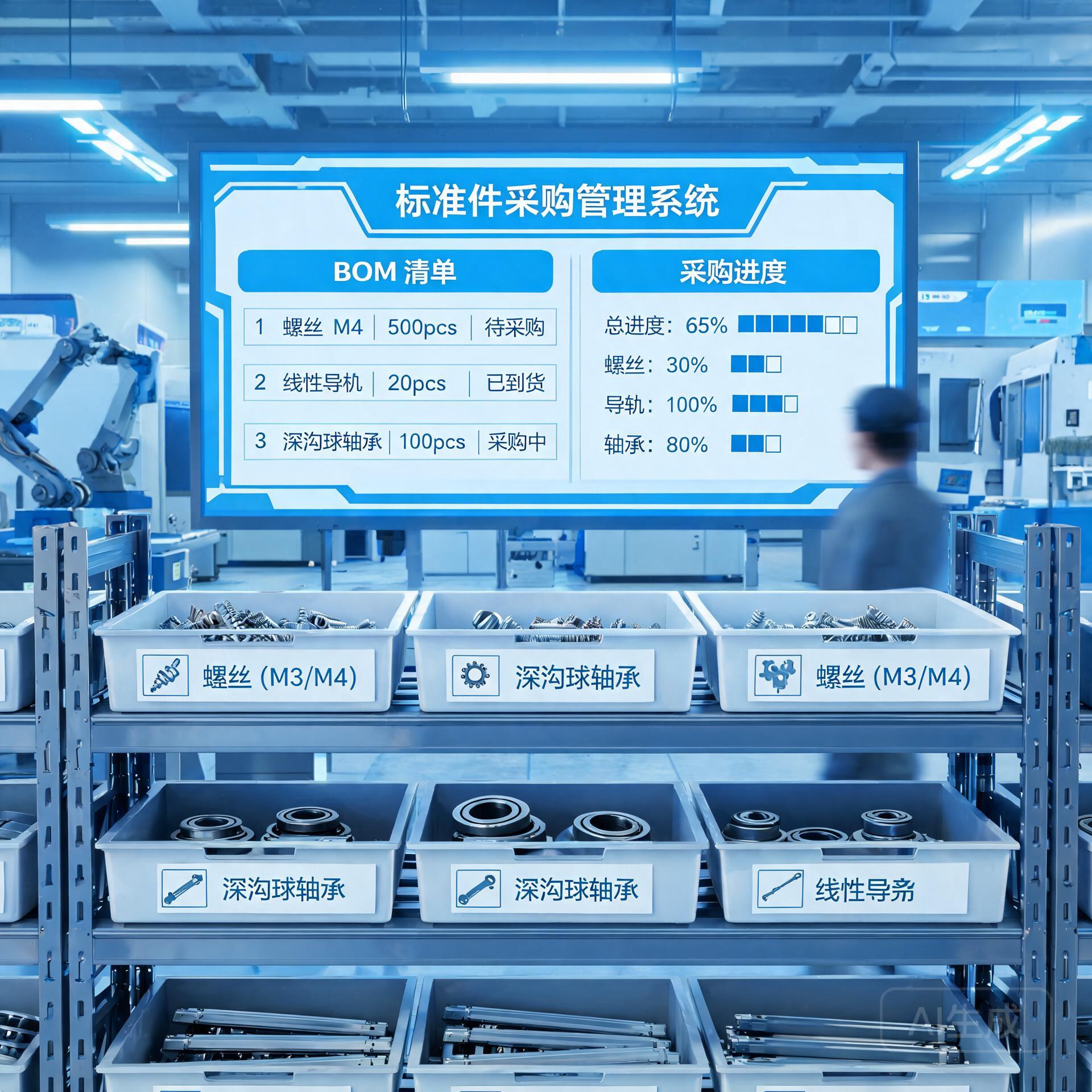
I. Three Typical Pain Points in Standard Parts Procurement at Non-Standard Equipment Builders
1. From BOM to Purchase Order: Copying Through Excel Is a Gamble
The BOM of a non-standard machine easily runs to one or two hundred standard parts. The design engineer finishes the drawings and exports an Excel file; the buyer then has to check specifications, quantities, and suppliers line by line, and convert everything into a procurement Excel file to send out. That means at least three manual data transfers, and a single wrong quantity or a missing specification breaks the whole chain downstream.
An automation frame factory in Kunshan found last month that a purchase Excel file listed "linear guide HGH20CA" as "HGH15CA". The goods arrived and simply would not fit, delaying assembly by a week. The buyer said, "My eyes were blurry — you want me to watch more than 200 items one by one?"
2. Line Stoppage from Missing Parts: Nobody Wants to Wait Three Days for a Screw
Standard parts all look small, but missing one chokes the line. The assembly technician says "not enough screws", the buyer checks the ledger — oh, last week's purchase order has not arrived yet. Then he calls the supplier, who says "your order is scheduled for next Wednesday". The whole assembly shop just waits, and labor alone costs several thousand a day.
Worse still, many factories buy standard parts from three to five suppliers at the same time, and the buyer simply cannot remember which one shipped, which one did not, and which one is in transit. Set up a few tables in Excel to manage it? Try reconciling at month end and see how that feels.
3. Supplier Reconciliation: One Invoice Takes Half a Month
Month end comes and finance chases reconciliation. The buyer opens the Excel orders, logistics notes, and receiving notes from three suppliers and starts ticking line by line: how much was shipped, how much was received, how much passed inspection, and at what unit price. One supplier may have dozens of purchase records, and three suppliers mean over a hundred. After reconciliation, the buyer is half dead.
And what if the reconciliation is wrong? The supplier's books do not match yours, and both sides pass the buck. Last month the finance team of a customer in Suzhou told us that their buyer reconciled three suppliers at month end and then took two days off.
II. What Core Capabilities Should Good Standard Parts Procurement Management Software Have?
1. BOM Release Automatically Generates Purchase Requisition Details
This is the most essential point. The design engineer builds the BOM in the system and releases all standard parts into purchase requisition details with one click; the system automatically groups them by supplier, calculates shortage quantities, and matches historical prices. What the buyer receives is not an Excel file that needs checking, but a procurement suggestion sheet that has already been categorized and quantified.
This is exactly how the BOM release function of Moges PMS9 works. The engineer marks standard parts in the project BOM and clicks "Release"; the system automatically generates purchase requisition details, each with specification, required quantity, current stock, shortage quantity, default supplier, and historical unit price. All the buyer has to do is confirm and then generate purchase orders in bulk.
2. Visual Procurement Progress Dashboard
What buyers need most is to see the status of every purchase order in real time. Which are in requisition, which are ordered, which are shipped, which have arrived and await inspection, and which are in stock — all visible on one dashboard. Exceptions, such as an order past its delivery date that has not shipped, are automatically flagged red as warnings.
The PMS9 procurement dashboard displays data by project, by supplier, and by material category. A project manager can open the workspace and see the standard parts procurement completion rate of the project, which items are still missing, and when they are expected to arrive. No more chasing the buyer to ask "where are my parts".
3. Supplier Profiles + Price Management
For the same M8×20 socket head screw, supplier A quotes 0.15, supplier B quotes 0.12, and supplier C had a quality issue last month. This information should not be scattered across personal WeChat chats and Excel files; it should accumulate in the system.
In the supplier management module of PMS9, every supplier has a complete profile: contact details, supply categories, grade evaluation, historical prices, and quality records. When placing an order, the system automatically recommends the supplier with the lowest historical price and warns that "this supplier had 2 late delivery records last time". Price changes update automatically, so the next purchase uses the latest price.
4. Automatic Material Shortage Alerts
Inventory alerts for standard parts work on two levels. The first is the safety stock alert: when the available quantity of a screw falls below the safety stock line, the system automatically notifies the buyer to replenish. The second is the project-level material shortage alert: for the assembly list of a machine, which standard parts have not arrived are listed automatically and linked to the open purchase orders.
This way, when the buyer opens the system every morning, he first checks the material shortage alert list, expedites what needs expediting and replenishes what needs replenishing, and the assembly line no longer stops for no apparent reason.
5. One-Click Procurement Reconciliation
Monthly reconciliation is the biggest headache for buyers. The procurement reconciliation function of PMS9 automatically aggregates all purchase orders, receiving notes, and inspection notes by supplier and time range to generate reconciliation details. The buyer only has to check quantities and unit prices, confirm, and submit with one click. Finance sees the confirmed reconciliation statement directly and no longer waits for the buyer to send an Excel file.
III. Avoiding Pitfalls in Selection: Do Not Step on These Three Landmines
Landmine 1: Buying a "Standard Parts Inventory" System That Is Not Linked to Projects
Many buyers start with a cheap, simple inventory system to manage standard parts. Then they discover that inventory management only knows how much came in and how much went out; it does not know why items were bought or which project they were bought for. Project A needs 100 M8 screws and you have 200 in stock, but the inventory system does not know that Project A is waiting for those 100, so Project B may take 150, and Project A still runs short.
The right approach: standard parts procurement management must be linked to the BOM and to projects. Every procurement demand for a standard part should be traceable to a specific project, a specific machine, and a specific BOM.
Landmine 2: Looking Only at Price and Ignoring BOM Integration
Some buyers care only about "how much it costs" during selection and not about "whether it integrates with the BOM". They buy it and find that the BOM is still Excel, purchase orders still have to be copied manually, and the only change is moving from one Excel file to another.
The right approach: in a demo, always check whether the chain from "BOM release, purchase requisition details, purchase order" can run end to end with one click. This is the lifeline for improving procurement management efficiency at a non-standard equipment builder.
Landmine 3: Ignoring Mobile Approval
Purchase orders need the boss's approval, but the boss cannot sit in front of a computer all day. Whether the mobile app can show purchase order details, approve with one click, and automatically generate a formal purchase order after approval — these details determine whether the procurement process gets stuck.
PMS9 supports mobile approval, so the boss can approve purchase orders while traveling and the buyer does not have to wait.
IV. Moges PMS9: 14 Years of Accumulated Experience in Non-Standard Manufacturing Digitalization
Moges PMS9 is a non-standard automation equipment project management platform independently developed by Kunshan Moges Information Technology Co., Ltd. It has been deeply engaged in the manufacturing industry for 14 years and serves more than 200 manufacturing companies. Standard parts procurement management is only one part of the full-process management of PMS9, which covers sales order intake, project initiation, BOM design, procurement, machining, and outsourcing, warehouse management, assembly and commissioning, and delivery acceptance — the entire project lifecycle is managed in a closed loop within one system.
| Comparison Dimension | Manual Excel Management | Moges PMS9 |
|---|---|---|
| BOM to purchase order | Manual transcription 3 times, error-prone | One-click generation of purchase requisition details from BOM release |
| Procurement progress tracking | Searching multiple Excel sheets, time-consuming | Visual dashboard with real-time status |
| Material shortage alerts | Watching manually, often missed | Safety stock plus automatic project-level alerts |
| Supplier management | Scattered in WeChat and Excel | Complete profiles, historical prices, and quality records |
| Monthly reconciliation | 3-5 days for three suppliers | Automatic aggregation, completed within 1 hour |
| Mobile approval | Not supported | One-click approval on mobile |
V. Summary
Standard parts procurement looks like a "small matter", but at a non-standard automation equipment builder, the procurement efficiency and accuracy of every screw, every bearing, and every guide rail directly affect project delivery and profit. A good standard parts procurement management system focuses on three things:
- BOM integration: let the designer's BOM drive procurement directly and eliminate manual transcription
- Process visibility: every step from order placement to receiving is on the dashboard, and nobody has to chase anyone
- Data accumulation: supplier profiles, historical prices, and quality records live in the system, so procurement decisions are grounded
If you are troubled by the various problems of standard parts procurement, try Moges PMS9, the non-standard automation project management platform used by more than 200 manufacturing companies. From BOM to procurement to assembly, it helps you sort out the digital processes of a non-standard equipment builder.