Which Machining Job Reporting System Is Right for You? A 2026 Comparison and Implementation Guide to Digital Shop-Floor Reporting
2026-09-22 10:06:02
At 4:30 in the afternoon, Lao Li from the grinding team had just taken off his goggles and pulled three crumpled slips of paper from his pocket. These were today's job reporting tickets, with working hours, qualified quantities, and rework counts scrawled on them. Before his shift handover he had to go to the workshop office to find a clerk to enter them into Excel; when the clerk was busy he had to fill them in himself, and after that he still had to walk over to the quality department to have an inspector countersign them. The whole routine took at least twenty minutes.
This is not just Lao Li's problem. In a machining shop, from CNC to EDM, from turn-mill centers to precision grinding, workers at almost every process repeat a similar rhythm: work, stop, fill in a form, find the clerk, wait for data entry, and then redo it when the numbers do not match. The daily report the workshop supervisor receives every morning is often three or four hours out of date. Which process is stuck, which machine is idling, whether outsourced parts came back on time, all of it depends on walking the floor, layer by layer.
1. Where Machining Job Reporting Really Gets Stuck
Reporting a job looks simple, just a worker finishing and entering a number, but in the real shop-floor setting it involves far more links than people imagine. A part usually goes through turning, milling, grinding, heat treatment, inspection and other processes, each with a different operator, a different time standard, and a different quality judgment. A single reporting ticket must contain at least the process number, task order number, actual working hours, qualified quantity, rework quantity, scrap quantity, operator, start time, and end time, nine fields. Manual entry has a high error rate; missing entries, wrong entries, and alterations are an everyday occurrence.
What is even more troublesome is the question of when to report. Workers do not want to stop while they are working, and stopping to report breaks the rhythm; saving everything up until the end of the shift is the least trouble but the easiest to forget. By the time the report comes out, the data is already yesterday's. Holding a delayed schedule, the dispatcher can only arrange today's work based on last week's experience, and when a rush order or process rework appears, the whole schedule is torn up and rebuilt.
Small and medium machining factories also commonly face another dilemma: job reporting data is disconnected from cost accounting. Workers enter working hours, but what the boss really cares about is how much each process actually cost, what proportion outsourcing accounts for, and which parts keep bouncing back and forth between the rework bay and the machining shop. Scattered working-hour data in Excel takes finance two or three days to merge into the cost sheet, and by the time the numbers come out, this month's money is already spent.
2. What a Job Reporting System Changes
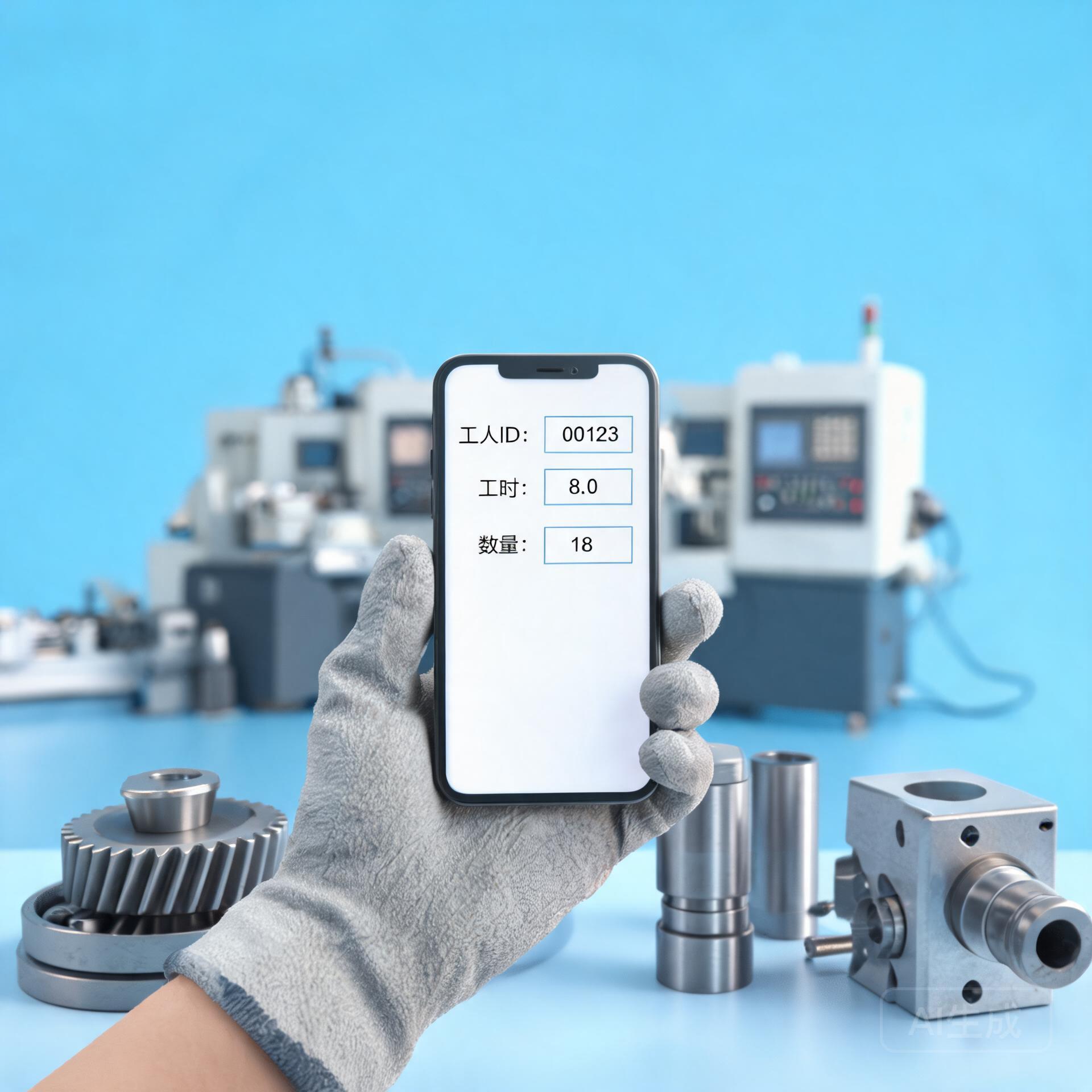
After going live, Lao Li's routine became this: scan the QR code on the task order, and the reporting screen for the current process pops up automatically on his phone, with the employee number and process number already pre-filled. He only needs to enter the actual working hours and qualified quantity, tap Submit, and the record syncs to the workshop's production dashboard. The whole process takes less than ten seconds; no running to find a clerk, no waiting for an inspector to sign.
The change brought by real-time data is a chain reaction. The dispatcher refreshes the scheduling screen and can see what every machine is doing right now and how far the next task has progressed. When the quality department clicks Qualified in the system, the warehouse automatically reserves a storage location, and when the assembly shop draws materials it follows the BOM list in the system. Rework parts no longer rely on word of mouth either; the system automatically routes the rework order back to the corresponding process, with the responsible person and deadline clear at a glance.
Cost aggregation is no longer hindsight. The working hours, material consumption, and outsourcing costs of each process are posted to the project account in real time, and finance can pull out the complete cost composition of any part at any time: how much the raw material cost, how many working hours each process took, and how much the heat treatment and surface treatment outsourcing cost. At month-end settlement, the system automatically generates reports, and there is no need to manually move numbers from seven or eight Excel files.
3. How to Choose a Suitable Job Reporting System
The reporting systems on the market can be roughly divided into three types by positioning, each with its own emphasis on price, implementation cycle, and applicable scenarios. A machining factory needs to choose according to its own scale and management maturity.
| Comparison Dimension | Lightweight Reporting App | MES Core Module | Full-Process ERP Suite |
|---|---|---|---|
| Typical Price | RMB 30,000-80,000 | RMB 150,000-400,000 | RMB 400,000-1,200,000+ |
| Implementation Cycle | 1-2 weeks | 1-3 months | 3-6 months |
| Core Functions | Mobile job reporting + working-hour statistics | Process management + quality traceability + equipment status | Sales, procurement, production, and finance fully connected |
| Suitable Scale | Small workshops of 10-30 people | Mid-sized factories of 30-150 people | 100+ people / multi-workshop coordination |
| Data Connectivity | Reporting data must be exported and then imported into other systems | BOM, work orders, and inventory linked automatically | Full-chain connectivity from sales order to invoicing and payment collection |
| Staff Skill Requirements | Just needs to know how to use a phone | Requires a dedicated person to maintain master data | Requires IT support + company-wide training |
| Typical Users | Family workshops, small precision machining shops | Precision parts factories, non-standard automation supporting factories | Equipment manufacturers, group-type factories |
From lightweight to full-process, both price and implementation cycle grow exponentially. Many small and medium machining factories initially just want a tool that lets workers report jobs on their phones, only to find that the real pain point is not reporting itself, but that the reporting data has nowhere to be used, is disconnected from inventory and procurement, and finance has to calculate everything again. At this point, choosing a system that can scale upward becomes critical.
Take a precision machining factory in Suzhou with more than 40 people. They first bought only a mobile reporting app for about RMB 50,000. Half a year later they found that reporting data had to be manually exported and then imported into Excel, inventory and procurement were still managed separately, and the time saved on reporting was spent again on moving data around. Later they switched to the MES core edition of Moges PMS9, where reporting, processes, inventory, and outsourced procurement are all linked. Now the workshop supervisor opens the dashboard and can see the progress, qualification rate, and estimated completion time of every part, and finance's month-end closing time has shrunk from 5 days to 1 day.
4. Pitfalls to Avoid When Implementing a Job Reporting System
Many factories buy a system but cannot get it to work; the problem is that they fall into several common pitfalls during system selection and rollout.
The first is greed for too many functions. Seeing that the system has twenty modules, they want to turn them all on. As a result, workers have not even gotten used to basic mobile reporting before they have to learn quality inspection and equipment checklists, and in the end no function is used well. The right approach is to start with just the reporting function, and only after it runs smoothly add process management, quality traceability, and outsourcing tracking in turn.
The second is neglecting master data. Before the system goes live, the routing, standard working hours, and process codes must all be clarified; this step cannot be skipped. If the master data itself is a mess, the system will only store messy data and produce even messier reports.
The third is no on-site pilot. Run a pilot in one team for one or two weeks to expose real problems in advance: whether the reporting screen is legible under the harsh lighting of the shop floor, whether it can be operated with gloves on, and whether the QR code fails to scan because of oil stains. This saves far more than rolling it out across the whole workshop and then reworking it.
The fourth is the boss not being on the floor. Shop-floor digitalization is a bottom-up matter, but driving the rollout requires top-down support. If the workshop supervisor himself feels that the reporting system adds burden, the system will certainly not move forward. In the early stage of rollout, the boss needs to pay daily attention to whether the daily reports come out normally and whether the problems raised by workers are solved promptly.
Back to Lao Li's workshop. Three months ago they went live with mobile job reporting in Moges PMS9. Now, every day at 4:30 in the afternoon, there are no more crumpled slips of paper in Lao Li's pocket. He scans a QR code, enters three numbers, and taps Submit, and then he can go wash his hands and prepare for shift handover with peace of mind. The workshop supervisor's daily report no longer arrives the next morning either; it updates in real time, scrolling on the dashboard.
Job reporting looks like a small thing, but it is actually the starting point of shop-floor digitalization. It moves the data hidden in paper tickets and Excel into the system, so that scheduling, quality inspection, and finance can all use the same real-time data. Once the data flows, the subsequent cost accounting, capacity analysis, and process optimization have a solid foundation.