Recommended Machine Manufacturing Production Management System: Practical Guide for Selecting a System for Small Machine Manufacturing Plants
2026-09-24 09:45:49
Why Machining Factories Need ERP: The Inevitable Path from Excel to Digitalization
In the Yangtze River Delta region, machining is a highly fragmented industry. From small workshops with just three to five workstations to large precision component factories with hundreds of employees, almost every company has experienced the following: production scheduling relies on manual Excel spreadsheets, progress tracking is communicated verbally by team leaders, it's difficult to track outsourced parts and determine which factory is processing them, and at the end of the month, it's impossible to accurately calculate costs due to mixed material, labor, and rework expenses.
When factories were small, these "homemade" solutions could still manage. However, as the number of orders increased, customer demands for delivery and quality became stricter, and the proportion of outsourced processing rose, Excel spreadsheets and verbal communication proved inadequate. Frequent production delays due to information asymmetry and discrepancies were common. Many factory owners didn't want to implement a system, but they didn't know where to start. The market is full of ERP products, with general-purpose systems being too heavy and complex, and industry-specific systems being feared for their incomplete functionality.
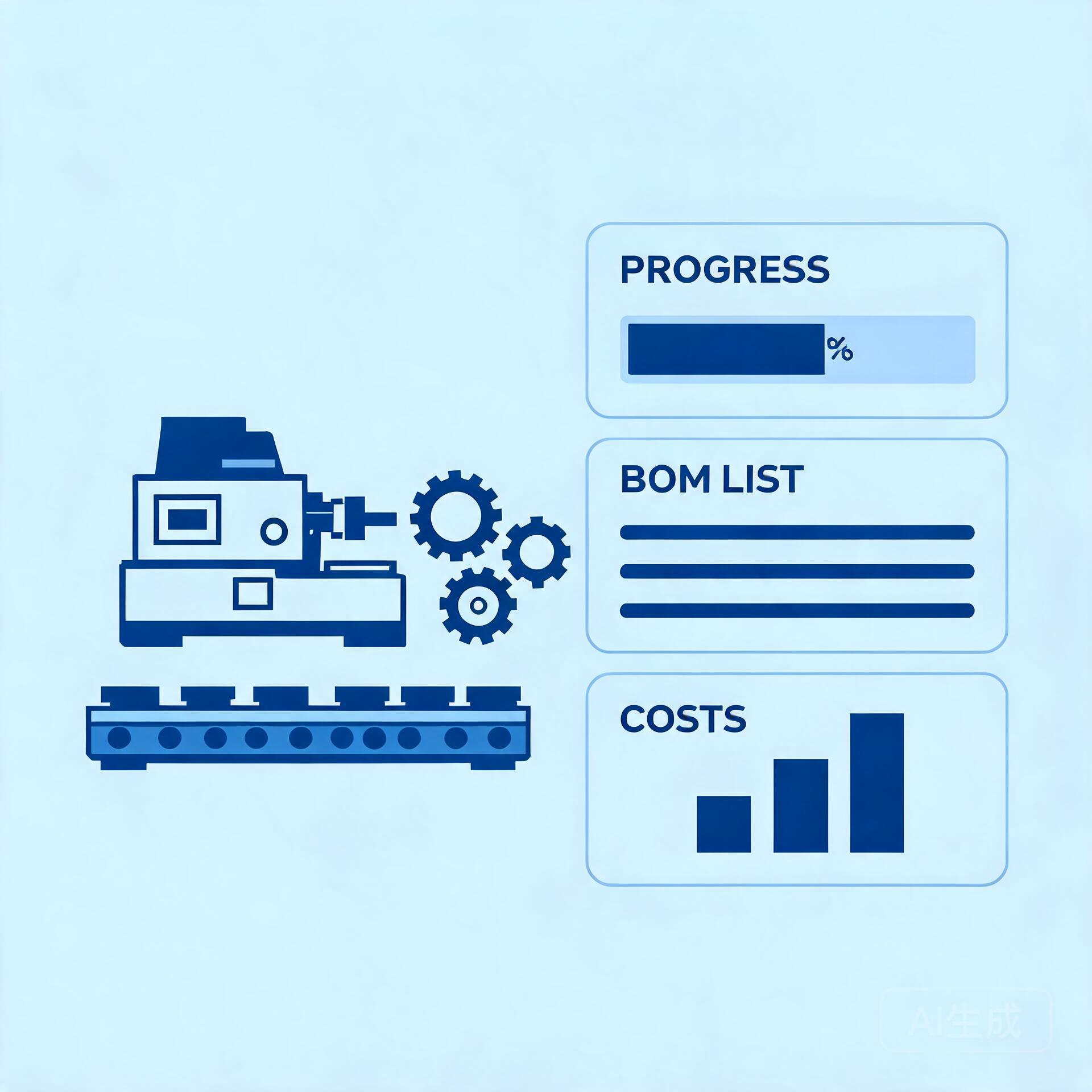
This article, based on real-world scenarios in the machining industry, breaks down the key dimensions that must be considered when selecting an ERP system, while also comparing mainstream solutions. This will help factories choose a system that can actually be used, even with limited budgets.
1. The specific problems that machine processing ERP needs to solve.
Not all software labeled "ERP" can help machine shops. Many general-purpose ERP systems focus primarily on financial and inventory management modules, and offer very limited or no support for the core machine shop functions, such as process-level production management. Before purchasing, it's important to first identify the specific pain points of your factory.
1. Transparent process progress
The machining production process is a typical multi-stage assembly line: raw material inspection → rough machining → fine machining → heat treatment → quality inspection → warehousing. The actual progress of each stage, along with the operators and time consumption, directly affects the subsequent assembly and delivery. Traditionally, the shift leader would manually update the progress on a whiteboard, or provide a daily verbal report at the end of the day. This method is extremely inefficient, and when urgent orders are introduced, the existing schedule is immediately disrupted.
A good CNC ERP system should support the ability for shop floor operators to directly complete start, progress, and completion operations for each process, while managers can see in real-time which work order is currently at which stage and how long it has been stuck.
2. Order placement and procurement driven by Bill of Materials (BOM)
The Bill of Materials (BOM) structure for non-standard equipment or customized components is typically deep, with a finished product consisting of dozens of standard parts, manufactured parts, and purchased parts. After finalizing the design drawings, the most challenging task is "ordering," determining which parts need to be manufactured in-house, which need to be outsourced, and which can be directly purchased as standard parts. Manually breaking down the BOM and assigning tasks is slow and prone to errors.
The ERP BOM module should be able to automatically generate corresponding purchase orders or outward orders based on part types (standard parts/fabricated parts/outsourced parts), automatically calculate missing quantities, and prevent situations where "the drawing is changed but the purchase order is not updated."
3. Comprehensive management of the entire external processing workflow.
Most machine shops have outsourcing needs. Our factory handles rough machining, finishing, or surface treatment, and then sends the parts out for further processing. Outsourcing management is often a "blind spot" for many factories: they don't know when the parts will be completed by the external vendor, how to inspect the quality upon return, or how to reconcile the outsourcing costs. The ERP system should cover the entire process, including creating outsourcing orders, issuing materials to the external vendor, tracking the progress of the outsourcing, quality inspection upon return, and cost reconciliation.
4. Multi-dimensional cost accounting
Whether a project ultimately generates profit or not cannot be determined until the end of the month. The cost structure for machining is very clear: material costs, machining costs, outsourcing costs, and expense allocation. A good ERP system supports cost aggregation by project, work order, and product model, allowing real-time cost consumption to be viewed during project execution. This enables timely intervention when cost overruns are detected.
II. Five Core Dimensions for Selecting Machine Processing ERP
| Dimension | Key evaluation points | Acceptance Criteria |
|---|---|---|
| Industry Applicability | Is it specifically designed for machining/non-standard automation? Do the process models align with the actual workshop? | Covers at least the core processes of rough machining, fine machining, heat treatment, and quality inspection, and supports switching between in-house processing and outsourcing. |
| BOM and Order Placement | Can the system generate purchase orders, outward delivery orders, and manufacturing tasks automatically from the Bill of Materials (BOM)? | The order placement process involves no more than 3 steps, and supports bulk operations with Excel import of BOMs. |
| Work Order Submission | How do operators report progress? Is there a mobile app available? | Supports scanning codes on mobile devices to initiate/complete tasks, and automatically records the operator and working hours when submitting reports. |
| Cost accounting | Can the system collect material, processing, and sub-contracting costs in real-time for each project? | During project execution, you can view actual costs versus budget, and clearly understand the cost structure, which can be exported. |
| Ease of Use | What is the implementation cycle? Will the workshop workers use it? | Implementation cycle for small factories is no more than 2 weeks, and the core operations mobile interface consists of no more than 3 buttons. |
Among these five dimensions, industry adaptability and ease of use are two that are often overlooked but have the greatest impact. Many factories initially believe that a long list of ERP features indicates a "professional" system, but after implementation, they find that the process models do not align with their operations. Implementation consultants then spend half a month on extensive customizations, and factory workers find the system too complicated and are unwilling to use it. As a result, the system becomes a mere tool for data retrieval within the office.
Three, Current Market Mainstream Solution Horizontal Comparison
| Solution | Location | Machining Compatibility | Ease of Use | Suggested price |
|---|---|---|---|---|
| Moges PMS9 | Vertical ERP for Non-Standard Automation/Machine Processing Industry | ★★★★★ Native support for process models, BOM input with a single click. | ★★★★☆ Shop floor reporting via mobile, core operations are simple. | |
| A large-scale general ERP | Suitable for a wide range of industries | ★★☆☆☆ Weak process management, requiring significant secondary development. | ★★☆☆☆ Complex interface, implementation period exceeding 3 months. | Ranges from 500,000 to 2,000,000 |
| A lightweight SaaS system | Online collaboration for small and medium-sized enterprises | ★★★☆☆ While it has production modules, they are not sufficiently comprehensive. | ★★★★☆ Ready to use in your browser | |
| Developed in-house Excel + Dingtalk group | Lightweight Solution | ★☆☆☆☆ Lack of BOM integration and work order tracking. | ★★★★★ Lowest barrier to entry, but suffers from severe information silos. | 0 Yuan (High labor costs) |
As shown in the table above, industry-specific ERP solutions offer significant advantages in terms of adaptability and cost-effectiveness. Moges PMS9 is a project management platform developed by Kunshan Moges Information Technology Co., Ltd. specifically for the manufacturing of non-standard automation equipment and machining applications. It has undergone deep optimization of the core machining processes, including single-key BOM splitting, work order submission via mobile devices, full-process tracking of outsourcing management, and real-time cost collection for projects.
4. Practical details of Moges PMS9 in machining scenarios.
Many ERP systems fail not because of a lack of features listed, but because of a lack of "that extra something" in real-world operation. PMS9 has specialized in machining in several key areas, and here are a few specific examples of how this translates into tangible benefits:
BOM: No longer need to break down each line individually when placing orders.
For non-standard equipment, the Bill of Materials (BOM) has a deep hierarchy and a large number of parts. After the design engineer imports the BOM into PMS9, the system automatically identifies each part as a standard part, a manufactured part, or an outsourced part, and automatically generates the corresponding purchase order, manufacturing task order, or outsourcing processing order. The quantity of missing parts is automatically calculated based on the existing inventory, preventing issues such as "BOM changed but purchase order not updated."
Work order submission can be done simply by scanning a code with a mobile phone.
Workshop operators do not need to sit in front of computers. The PMS9 mobile app supports scanning codes for starting work, scanning codes for completing work, and scanning codes for submitting work reports. Each work order generates a QR code, which operators can scan with their phones to view the standard working time and quality inspection requirements for the specific task. After completing the task, they can scan the code to report the actual working time and the number of qualified products. The team leader can see the progress of the entire work order in real-time in the background.
External parts will no longer "go silent."
Once an external processing order is created, PMS9 will track the receiving time, estimated completion time, and actual delivery time of the external processing unit. After the parts are returned, the quality control personnel will record the inspection results (pass/repair/discard) in the system. Non-conforming parts are automatically written back into the processing task to generate rework procedures. Every step of the entire external processing chain is recorded, and data can be directly pulled from the system for reconciliation, eliminating the need to review chat logs and Excel spreadsheets.
Real-time project cost dashboard
During project execution, managers can open the PMS9 Cost Dashboard at any time to view the current consumption of material costs, processing costs, outsourcing costs, and expenses, and compare them against the budget to identify any overspending trends. At the end of the month, the system automatically summarizes all cost data and exports reports directly to the finance department.
Five, Several Avoidance Tips for Choosing Manufacturing ERP/MES Software for Small and Medium-Sized Enterprises
Many small and medium-sized machining workshops often fall into several common pitfalls when selecting ERP systems. The following points are provided for reference.
Don't aim for the most comprehensive features right away.The most pressing issue for the factory should be addressed first. If the biggest headache is not being able to track external parts, then the BOM and external vendor management modules are more important than the financial module. Having too many features can increase learning costs and slow down implementation.
The opinions of workshop workers must be heard in advance.Many factory owners only focus on the software's backend interface during the decision-making process, without asking the shop floor operators for their input. However, the system ultimately relies on the operators using it daily. If the operators have to click multiple times and the interface is filled with tables, they are likely to disregard the system. When selecting a system, it is crucial to allow the actual users, the operators, to test the mobile operating procedures.
Clarify the implementation cycle and subsequent support.Don't just focus on the software purchase price; the costs associated with implementation services and ongoing maintenance are very high. A responsible vendor will first send consultants to the factory to assess the actual workflow, then configure the system and provide training, rather than simply applying standardized templates. The Moges PMS9 implementation cycle for small machine shops typically takes 1-2 weeks, with the core modules going live first, followed by optional expansions.
Conclusion
Digitalization in the machine manufacturing industry is not a question of whether or not to do it, but rather a question of when and how to start. Instead of waiting until the factory size increases before "catching up," it is better to take advantage of the current situation, when orders are still clear and the team can be adjusted, to select an ERP that is truly tailored to the machine manufacturing scenario. Start with the two most core aspects: BOM ordering and work order reporting, and gradually build up the full production process's digital capabilities. Moges PMS9 has already served more than 200 manufacturing companies in the fields of non-standard automation and machine manufacturing. Factories that are interested can contact Moges to obtain a free on-site survey and demonstration.