Mold Shop Task Dispatching Tools: 5 Real Scenarios + 3 Keys to Choosing the Right Tool
2026-09-25 08:37:17
1. Mold Shop Dispatching — 5 Real Scenarios Encountered Every Day
Do not rush to see whose system has more features. Stop and look at how dispatching actually happens in your own shop every day.
Scenario 1: 8:30 a.m. Planner Xiao Zhang clutches three schedule sheets while machinist Lao Wang already waits for work. "Was that mold cavity milled yesterday?" he shouts three times across the shop — no answer. When he finally finds the operator, the man is repairing a milling machine that just broke down. The dispatch sheet was issued, but the person is not at the machine.
Scenario 2: The customer calls in the afternoon, saying a phone-case mold must be delivered early next week. The supervisor decides on the spot to push three in-process tasks back — but the shop supervisor has already printed tomorrow's dispatch sheet. Change or not? If changed, will some machine be missed? If not, how does he explain it to the boss?
Scenario 3: Night shift handover. The day shift scheduled a die-cast mold's slider fine-machining on milling machine No. 3, but the night-shift operator habitually switches to No. 1, whose spindle is steadier and better for precision work. Nobody told him No. 1 is reserved tomorrow morning for another mold's rough milling. Next morning, the rough-milling job piles up on the bench, and people must be shuffled again.
Scenario 4: The tool room keeper comes asking: when will No. 3 mill's T05 cutter head be free? Nobody in the shop can say — the dispatch sheet only says "cavity milling, 3 hours", while the actual machining rhythm depends on blank hardness and operator technique. Stock too many heads and it is waste; stock too few and work stops.
Scenario 5: Month-end accounting. Finance brings the hours statistics to the production manager: why does Team A's machining hours for the same phone-case mold run 40% above Team B's? Is Team A inefficient or Team B cutting corners? Nobody can say — the dispatch sheet never recorded each step's actual start and finish times, only a checkmark for handed-in or not.
These five scenarios are one and the same problem: dispatch information keeps degrading as it passes along. From planner to shop supervisor, from supervisor to team leader, from team leader to operator, each level re-interprets by experience — the result is ever-blurrier information. The operator does not know why the job was assigned to him; the team leader does not know the customer priority behind it; the planner does not know how far the job has actually progressed on the machine.
2. What a Decent Dispatching Tool Actually Saves the Shop
Some say, "My Excel dispatching works fine — isn't it just filling a few rows?" Here is a distinction to make clear: Excel is a recording tool, not a dispatching tool. A recording tool manages "writing it down"; a dispatching tool manages "what happens after it is dispatched".
A decent dispatching tool saves the shop at least the following four chores.
2.1 Saves the time of "manually flipping through schedule sheets"
Making a schedule is one thing; splitting it and mapping it onto each machine and operator is another. In a parts-machining shop, one planner may dispatch seventy or eighty work orders a day, each split across two or three machines. Manually assigned, just dragging and copying in Excel eats most of a morning.
A dispatching tool links the schedule to shop resources automatically. The processes, machines, and time windows set in the schedule automatically generate the corresponding dispatch sheets; team leaders only confirm with a few taps on the terminal, or fine-tune per the situation. Half a day's work compressed to ten minutes.
2.2 Saves the constant asking of "where is that task now"
The most heard sentence in the shop: "Where is that mold now?" Asked dozens of times a day, each time requiring calls, hunting the team leader, and digging through records. Askers waste time; the asked are annoyed.
A dispatching tool gives every dispatch sheet a status: not started, in process, paused, completed. The operator scans at the machine or taps on the phone, and the status pushes in real time to the dashboard and back end. Team leaders stop chasing; planners stop waiting for feedback. The boss, sitting in the office, sees on his phone what every mold is doing right now.
2.3 Saves the panic of "urgent inserted orders"
Urgent insertions are everyday life in mold shops. When a rush order arrives, two things are feared: not knowing where to insert it, and not knowing what happens to the original orders after insertion.
A good dispatching tool automatically computes which machine and time window the insertion affects least. It knows each machine's current workload, remaining time, and queued orders. After insertion, affected work orders shift back automatically, with the shift magnitude and impact range visible at a glance. Team leaders stop calculating with a calculator — they just follow the system's suggestion.
2.4 Saves the month-end reconciliation wrangling
At many shops' month-end accounting, production, finance, and HR blame each other. Why? Because hour data is hand-filled — who filled it, how accurately, whether any was padded — all depends on conscience.
In a dispatching tool, each process's start time, finish time, operator, and machine number are confirmed by the operator at the machine, recorded automatically. Month-end reports aggregate directly by work order, machine, and person — who did how much, which machine is efficient, which process is slow: the data sits there, no wrangling.
3. Do Not Just Look at "Can Dispatch" — Watch These Details
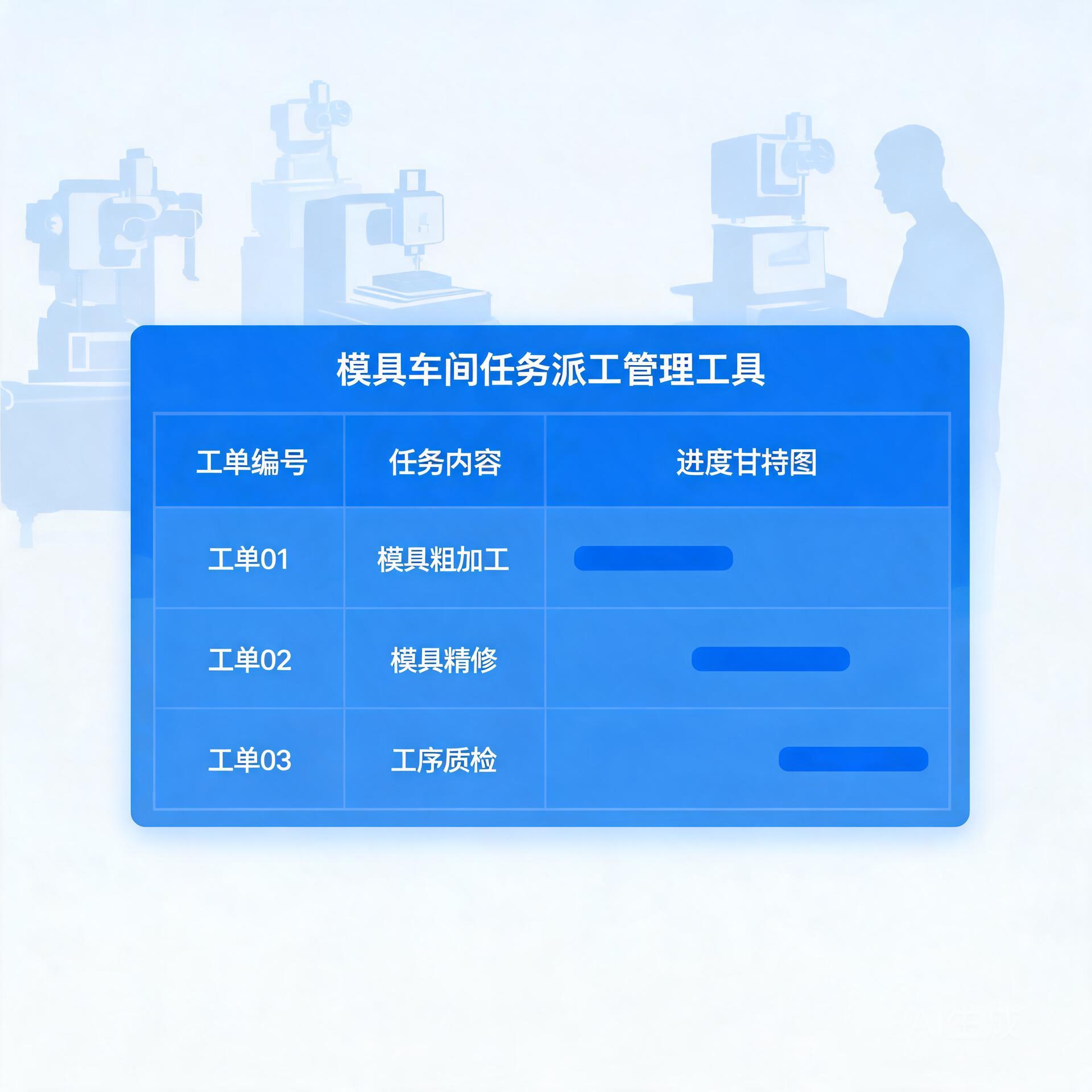
Nearly every production management system on the market has dispatch functions, but usability differs hugely. When choosing, do not just watch the beautiful Gantt charts in demo videos — the table below lists details easily overlooked but critical in real use.
| Comparison item | Demo-level dispatching (looks pretty) | Battle-tested dispatching (works smoothly) |
|---|---|---|
| Dispatch granularity | By work order, one order to one machine | Splittable to process level; one order parallel across multiple machines |
| Insertion handling | Manual Gantt dragging; the rest adjusted by hand | System auto-reschedules; affected orders one-click deferred and highlighted |
| Operator feedback | Must fill in at a computer | Mobile mini-program scan suffices, with offline caching |
| Anomaly reporting | Not in the dispatch sheet; requires a phone call | Embedded "pause reason" dropdown; machine failure/tool wear auto-triggers notifications |
| Machine connectivity | Not connected to machines; data entered by people | Connects to OPC UA / MTConnect for automatic utilization collection |
| Shift handover | Verbal or handwritten | Dispatch sheets auto-pass to night shift with day-shift notes and unfinished processes |
Of these six, the most easily overlooked are "anomaly reporting" and "shift handover". Demos never show how anomalies are handled, but in a real shop anomalies happen daily — chipped tools, jammed material, machine trips. Whether this information reaches management immediately directly decides the shop's response speed. Handover is the same: whether the day-shift operator left a note, whether the note was clear, whether the night shift wastes half an hour because of it — invisible but real costs.
4. Moges PMS9's Dispatching Logic — Why It Gives an Old Shop a New Look
Discussing dispatch tools, Moges's PMS9 cannot be skipped. Many people's first reaction at a PMS9 demo: "Isn't this just a dispatch-sheet printing system?" Three months later, the same person says: "So dispatching can actually work like this."
PMS9's dispatching logic has one core: a dispatch sheet is not the endpoint — it is a "living map". A traditional dispatch sheet, printed and handed to the operator, becomes a piece of paper whose information stops moving. PMS9's dispatch sheet is alive. The operator opens it on the phone and sees who planned the job, why it is sequenced here, what process follows, whether the tool room has the cutters ready, and where quality inspection waits. Finish the job, tap "complete" on the phone — the next process's team leader's phone rings immediately, and the inspection station's dashboard instantly gains one item awaiting check.
A concrete example. A Taizhou, Zhejiang shop making automotive and motorcycle parts molds previously dispatched entirely via the shop supervisor's blackboard. After adopting PMS9, the supervisor spends ten minutes daily confirming the system's auto-generated dispatch plan and spends the rest of his time walking the shop. He says: "I used to start every morning erasing the blackboard and writing dispatches, then telling each operator 'mind this, mind that'. Now nothing of the sort — the system carries it all. I finally have time to squat by the milling machine and talk with Lao Wang about cutter wear."
One more detail worth mentioning: PMS9 lets team leaders attach a "note" to each dispatch sheet — not text, but voice. The leader records a fifteen-second voice note: "Lao Wang, this job must be done by noon — the customer visits the shop this afternoon." Lao Wang opens the dispatch sheet and hears it. For older, slow-typing operators, this small feature beats any flashy Gantt chart.
5. Three Small Suggestions for Those Searching for a Tool
Finally, three not-quite-suggestions for owners and production managers hunting for a dispatching tool.
First, do not wait for the "perfect moment". Many shops' hesitation about informatization is "adopt once orders stabilize" or "adopt once the shop is renovated". Orders will never stabilize, and the shop is always being renovated. One day earlier means one day dispatching stops running on memory and paper notes.
Second, involve operators in the selection. Do not just watch demos with the IT department. Bring two or three veteran operators, seat them at the computer, let them click, ask, and complain. One operator's opinion beats ten sales consultants' PPTs.
Third, start from the dispatching link — do not demand "whole-flow digitalization" right away. Dispatching is the starting point of shop information flow and the highest-frequency daily action. Straighten this link, and downstream reporting, quality inspection, and cost accounting gain a reliable data foundation. One bite cannot make you fat, but eating well every day eventually does.
Mold shop dispatching management is essentially not a technology problem but a question of whether information can "run through". From planner to operator, from operator to inspector, from inspector to finance — whether each link passes information undamaged is the ceiling of shop efficiency. Choose the right tool and the ceiling rises; choose wrong, and the ceiling stays there, immovable.