Scheduling Software for Urgent Inserted Orders: 6 Must-Have Functions + 3 Real Shop Stories
2026-09-25 08:37:21
1. Urgent Insertions: The Four Most Troubling Words in Mold Shops
No mold shop can claim it has never had an order inserted. The customer calls at 3 p.m.: the shell mold ordered earlier must be revised and delivered early next week, or a sample mold is added on the spot for an upcoming exhibition. A shop in its first year may hit this once or twice a month; a shop of five or six years may face it weekly.
The insertion itself is not scary — what is scary is the chain reaction after it. You insert a rush order; the originally scheduled Order A shifts back; Order A moves, so Order B follows; and Order C waiting behind B may miss its delivery date. Worse, the shop supervisor may not discover it until the next morning — because the schedule was manually edited last night and not all team leaders were notified. By the time it is found, Order C's operator is already working on something else.
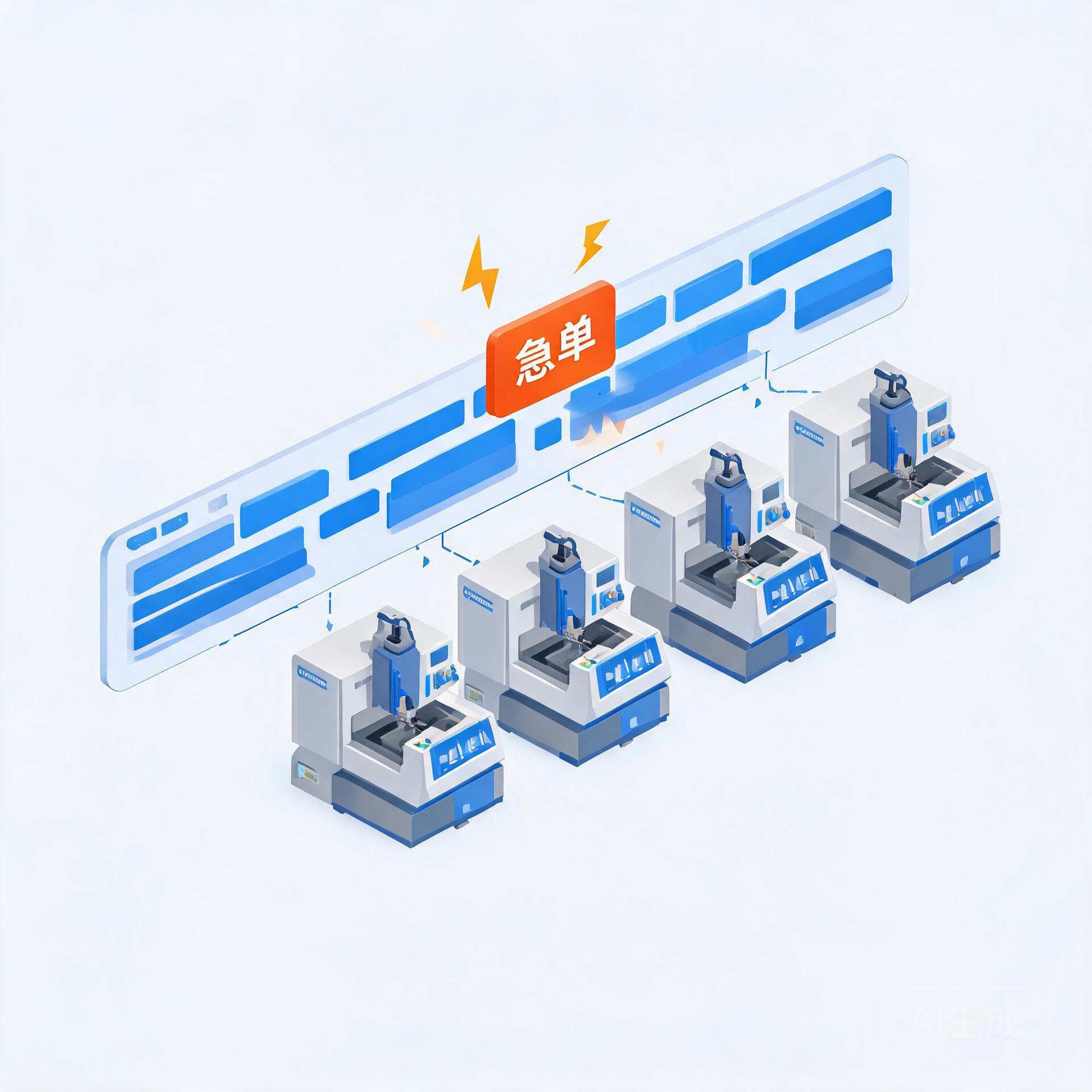
Someone has counted: in a parts-machining shop, one insertion affects the scheduling of 2.7 downstream work orders on average, operators' waiting time rises by 38 minutes on average, and cutter preparation urgency climbs over 40%. Most owners never see these numbers — because nobody counts them; they just become the vague feeling that "the shop has been a bit chaotic lately".
2. Insertions Are Hard — Where Exactly? Three Inescapable Pain Points
Why does the insertion problem persist across several systems? Because traditional scheduling tools never designed for insertions in the first place. The three pain points below are the shared memory of every shop that has stumbled during an insertion.
2.1 The schedule is "drawn dead", not "calculated alive"
Traditional scheduling works like this: line up today's work orders into a Gantt chart like drawing a train timetable, each order occupying a duration slot — print when done. The problem: once drawn, the Gantt chart no longer changes unless redrawn manually. An insertion means tearing up the finished timetable and redrawing — and while redrawing, you have no idea whether the original train will run late or delay the trains behind it.
A decent insertion system should be "active scheduling". Each work order's position is not drawn by hand but calculated in real time by the system from multiple variables: delivery dates, machine capacity, cutter preparation, operator skill levels, and more. Insert a new order, the system recalculates — every order's new time window, new machine, and whether it is affected, all at a glance.
2.2 Not Knowing "Where to Insert" Without Losing Money
The fear of insertion is not failing to squeeze it in — it is inserting at the wrong spot. Some shops habitually insert rush orders at the very front, regardless of how close the preceding order is to its delivery date or how much work is done. The result: the rush order ships, but the preceding order is delayed — before the customer even complains, you have already paid a penalty.
A good system offers multiple insertion plans. Plan one: insert into milling machine No. 3's 14:00-17:00 slot, delaying Order A by 2 hours with Order B unaffected; plan two: insert into No. 1 mill's night shift — A and B both unaffected, but night shift needs one more person; plan three: temporarily split half of the order on No. 1 to No. 2, put the rush order directly on No. 1 — no order delayed, but No. 2's operator works half an hour overtime today. The system presents these plans, and the shop supervisor picks one at a glance instead of calculating for half an hour.
2.3 Nobody Counts the Cost of an Insertion
Insertion is not free. One insertion may require overtime, cutter adjustments, or swapping operators — all costs. Yet most shops make insertion decisions with no cost consideration at all — because nobody counts.
A good insertion system automatically computes each plan's cost: how many overtime hours? How many extra cutter heads? Which order's customer satisfaction is affected? Even long-term factors like "if we decline this insertion, will the customer drift away next time" — the system gives a reference value from historical data. It is not the system deciding for the boss; it is the boss deciding with enough data in hand.
3. Practical Comparison: Three Insertion Scenarios — Good System vs. Bad System
Theory alone is useless — compare directly with three real scenarios. The table below holds data from three typical insertion cases collected while surveying five parts-machining shops. The first two used traditional Excel plus shop supervisors' experience-based scheduling; the latter three adopted Moges PMS9's active scheduling module.
| Insertion scenario | Traditional scheduling handling time | Traditional scheduling impact | PMS9 handling time | PMS9 impact |
|---|---|---|---|---|
| A 10-hour sample mold inserted at 3 p.m., due next day | Supervisor manually edits schedule about 2 hours; shop idles meanwhile | 3 existing orders deferred 1-3 hours, 1 delayed | System computes in 2 minutes, supervisor confirms in 5 minutes | Existing orders deferred only 0.5-1 hour, no delay |
| 3 customer rush orders inserted within a week, involving 5 machines | Dispatcher works 2 consecutive nights manually editing the Gantt chart | Night shift tasks rescheduled 6 times; operators' morale hit | System batch-reschedules in 3 minutes; dispatcher spends 10 minutes daily confirming | Night shift tasks adjusted only 2 times; no extra operator complaints |
| Customer changes design midway; a work order's hours rise from 8h to 14h | Discovered after machining started; 4 hours idle awaiting the new schedule | 2 downstream orders affected; apology made to 1 customer | Operator edits hours on the phone; system reschedules in real time in 1 minute | Downstream orders auto-deferred 1.5 hours, no customer complaints |
The third scenario is also typical. Under traditional scheduling, once the operator noticed the hours changed, he had to phone the dispatcher — who was off duty, seeing it the next morning, causing 4 idle hours. With PMS9, the operator changes the hours from 8 to 14 on the phone; the system recalculates the schedule immediately and downstream orders adjust automatically — a push notification lands on the team leader's phone. The whole process takes under a minute.
4. Choosing Insertion-Scheduling Software: These Four Functions Are Mandatory
Plenty of systems on the market carry scheduling functions, but few truly handle insertions. When choosing, do not go by the words "has scheduling" — the four functions below are hard requirements; miss one and hold off on signing.
First, an active scheduling engine. The schedule must be computed in real time, not a hand-drawn Gantt chart. Every work order, every hour change, every insertion — the system recalculates the whole shop's optimal arrangement within seconds. Whether the engine uses constraint satisfaction (CSP) or genetic algorithms does not matter; what matters is handling "multi-objective optimization" — delivery dates, machine capacity, cutters, operator skills, and customer priority considered simultaneously.
Second, multi-plan recommendations. An insertion must not have only one option: "insert at the front". The system should present at least three to five plans, each listing impact range, cost, and affected orders. The shop supervisor's job is to "choose", not to "think up".
Third, change penetration notifications. Once the schedule changes, everyone affected must be notified immediately — one message to each operator's phone, one to each team leader, one to each inspector, one to the tool room keeper. The message must state clearly: "Your No. 5 machine order moves from 14:00 to 15:30 — please do No. 3 machine's job first." Not just "the schedule changed".
Fourth, post-hoc replay analysis. Handling the insertion is not the end of the matter. The system must replay the whole process: how much time did this insertion cost? Which orders were affected? What was the cost? Next time a similar rush order arrives, could it be inserted at the same spot? Accumulated, this data is the foundation of continuous scheduling optimization.
5. How Does Moges PMS9 Handle Insertions? Three Real Stories
Some specifics. A Ningbo, Zhejiang factory making automotive parts molds took a big customer's order in the second half of last year requiring one to two rush insertions every two weeks. Initially they used traditional Excel scheduling — the dispatcher worked overtime into the night daily, and operators in the shop complained endlessly: schedules changed constantly; a freshly issued dispatch sheet got replaced within half an hour.
After adopting PMS9, things changed. Every day at 3 p.m. the dispatcher opens the system and drags the day's urgent insertions onto the scheduling interface. The system immediately presents three to four plans, each color-coding affected orders beside it — green for unaffected, yellow for deferral within 1 hour, red for over 1 hour. The dispatcher picks an all-yellow no-red plan, taps confirm, and the system pushes the change notification to everyone involved. The whole process takes under ten minutes — the dispatcher no longer works overtime.
Another case: a Dongguang shop making 3C electronics enclosure molds had a customer demand a sample mold three days early. The system computed that the fastest insertion plan was moving part of two night-shift orders to day time and deferring two day-shift orders by half a day. After the dispatcher chose this plan, the system automatically issued new dispatch sheets to operators, an expedited material notice to the tool room, and an early pre-check reminder to inspection. Three days later the sample mold shipped on time, and the customer placed two new orders on the spot.
The most interesting is the third story. A Suzhou, Jiangsu factory making precision injection molds has used PMS9 for over half a year. Once, a customer cancelled a rush order already scheduled onto a machine. Under the old flow, this meant the machine idled half a day — operators were already preparing, and cancelling too early was risky in case the customer changed their mind again. But in PMS9, upon cancellation the system rescheduled immediately, automatically pushing the three orders that had been squeezed back to the front — the machine never idled a minute. The shop supervisor said afterwards: "We used to dread the customer saying 'forget it, no rush'. Now we do not mind at all — the system fills the slot in seconds."
6. A Few Honest Words to Close
I have dealt with plenty of mold factory owners whose attitudes toward "scheduling software" occupy two extremes: either "it is just Excel with a new skin", or "our order volume is too small for something this advanced". Neither holds up.
On the first: scheduling software is of course data computation underneath, but its biggest difference from Excel is that Excel only records the schedule you already made, while scheduling software computes "how else it could be scheduled". That gap is not about feature count but about mindset — from "I schedule" to "the system schedules for me, I make the call".
On the second: small order volume is not what matters — insertion frequency is. One insertion a month can still be handled manually; one insertion a week means the time and cost the software saves may exceed its price. Many small and medium mold factories start exactly from the pain point of "solving insertions": adopt PMS9's active scheduling module first, find it works, then gradually expand to dispatching, inspection, and cost accounting.
Urgent insertions: small scale, a weekly shop nuisance; large scale, the touchstone of how fast the owner can respond to customer needs. Rather than the dispatcher working nights editing Excel and operators holding ever-changing dispatch sheets in confusion, let the system compute for you and the data make the call. After all, in the mold industry, the final competition is not who has more machines — it is who responds faster.