How to manage standard parts procurement orders? Practical solution breakdown for non-standard automated factories.
2026-10-03 10:06:30
For owners of non-standard automation equipment, a common scenario is: just before the total equipment assembly, you suddenly discover that 300 M6x20 hex bolts are missing, while these bolts were purchased three weeks ago. The purchasing agent cannot remember which supplier, price, or project budget was specified at the time. When you open the Excel file, the merged cells have made the records a complete mess. When you call the supplier to check the order number, they also spend half an hour searching through a pile of documents. In the end, you are forced to urgently increase the price and expedite the delivery, resulting in increased costs.
These issues are not due to carelessness on the part of purchasing staff, but rather, the inherent complexity of managing standard parts orders. Compared to non-standard parts (custom-made machined parts, sheet metal parts), standard parts have lower unit prices, a wider range of specifications, and varying quantities, often leading to them being treated as minor matters. However, these seemingly minor issues accumulate over time in the fast-paced environment of multi-project, frequent BOM revisions for non-standard equipment, ultimately becoming a "black hole" that consumes profits.
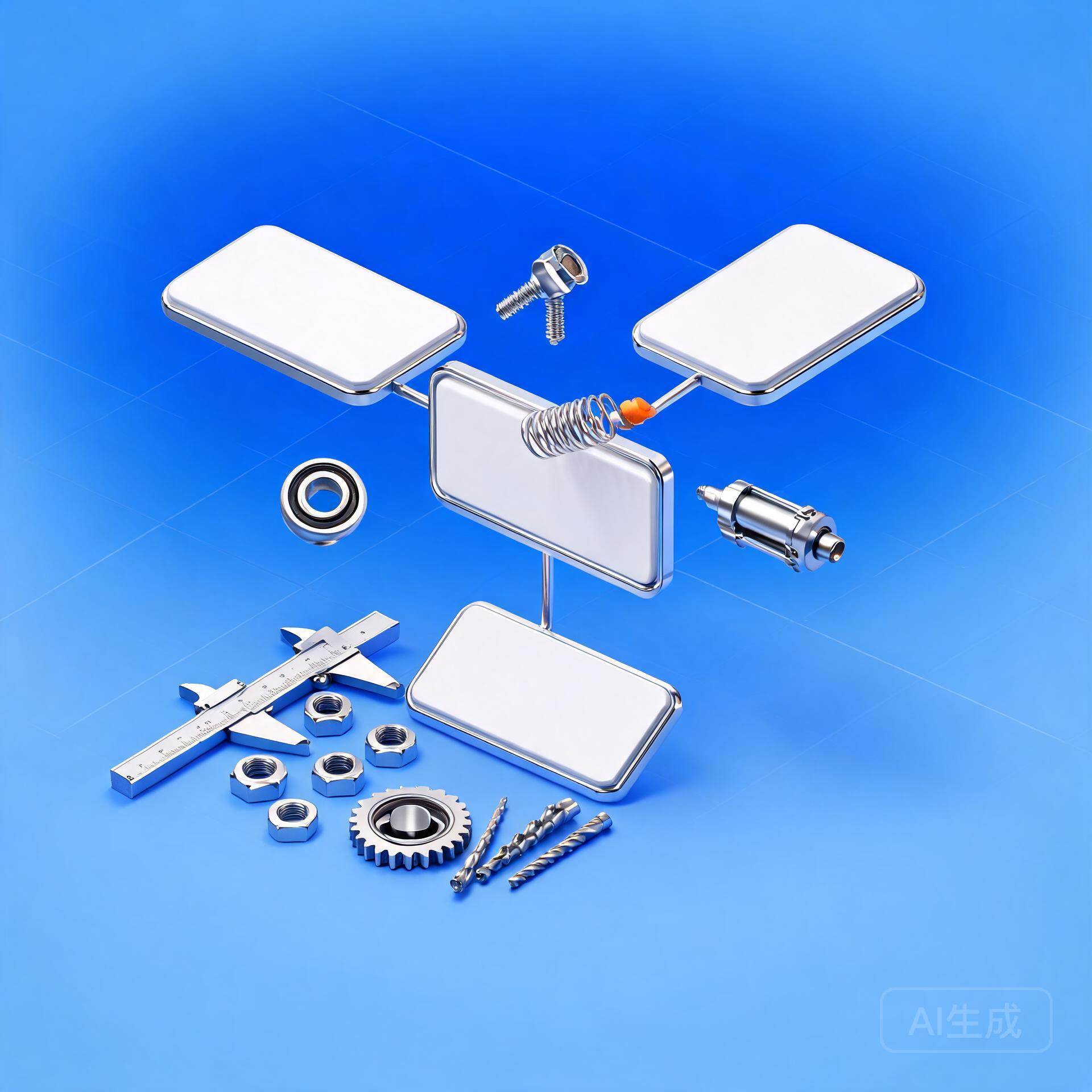
1. Standardized components for non-standard automated factories: How many are truly "standard"?
Let's first clarify a fundamental question: What constitutes a standard component in a non-standard automation factory? The following categories are commonly used in the industry for classification. Fasteners represent the largest category – various sizes of hex bolts, hex nuts, self-tapping screws, nuts, washers, and springs. This category has the widest variety, and a factory often uses five or six different national standards and Japanese standards simultaneously. The category includes bearings and linear motion components, such as deep groove ball bearings.Procurement of linear guides, sliding blocks, ball screws, etc., is typically done by purchasing specific brands and models as specified in the project Bill of Materials (BOM). Pneumatic components, such as cylinders and pneumatic valves, are primarily sourced from standard brands (e.g., Festo, SMC). Within the motor and transmission components, servo motors, stepper motors, and synchronous belts are often considered standard parts, while some require customization. Finally, the connection hardware and miscellaneous parts, in small quantities,, including hinges, handles, casters, and feet, with a wide variety of types.
A medium-sized, non-standard automation factory with a standard parts SKU count exceeding 1,000. In the Bill of Materials (BOM) for each automated device, standard parts typically account for 60%–80% of the items, but only 15%–25% of the total purchase value. This creates a conflict: a large number of items with a small purchase value and frequent changes, which warrants fine-grained management, but implementing a separate system for it feels like using a sledgehammer to crack a nut.
II. Common pitfalls in managing standard parts purchase orders
After visiting over 20 non-standard automation factories in the Kunshan and Suzhou areas, we found that the problem of managing standard parts procurement orders is highly similar, and can be summarized into five typical dead ends.
Pit 1: Losing control of merged cells in Excel
Most small and medium-sized non-standard manufacturing companies use a single master table for purchasing. When dealing with a large number of standard parts with varying specifications, purchasing staff frequently use merged cells in Excel to create a clear overview – for example, merging cells in column A to group screws with the same code, and displaying prices and suppliers horizontally. However, the fundamental limitation of Excel's merged cells is that only the top-left cell contains a value, which can disrupt sorting, filtering, and VLOOKUP operations. Furthermore, when a purchase order includes five standard parts simultaneously, copying and pasting often leads to entire rows being misaligned, resulting in discrepancies that are only discovered during reconciliation with finance, such as the price of M6 screws changing from 0.12 yuan to 1.20 yuan in the previous month.
Pit 2: BOM changes without corresponding updates to purchase orders.
The Bill of Materials (BOM) for non-standard equipment is frequently modified. For example, if the screw specifications are changed (e.g., changing M5 to M6), or the brand of the linear guide rail is changed from A to B, the BOM is updated, but the existing purchase orders are not synchronized. The purchasing agent places an order based on the old BOM, and when the goods arrive, they are found to be inconsistent with the new drawings. This situation can occur several times per week in small-batch, fast-paced non-standard projects, resulting in each time the supplier returning the goods, placing a new order, and delaying the project by three days.
Pit 3: Running multiple projects simultaneously, leading to confusion regarding order ownership.
The purchasing agent, Xiao Li, was responsible for procuring three automated equipment projects simultaneously. Project A required 500 M6 screws, and Project B required 300 screws. To save time, Xiao Li consolidated the orders into a single purchase order for 800 screws. Upon receiving the goods, the inventory was registered, and the system (or Excel) only recorded "M6×20 screws 800 pieces," without specifying which project the screws belonged to. Project A initially took 600 screws, leaving Project B short. An urgent repurchase was then required. During the end-of-month financial reconciliation, it was unclear whether this purchase should be attributed to Project A or Project B.
Pit 4: Not knowing which warehouse to put the goods in after they arrive.
Non-standard factories typically organize their warehouses by project, or have a central warehouse with temporary shelves for specific projects. When standard parts arrive, the purchasing agent only records the item name and quantity, without specifying the project to which it belongs. Warehouse staff, upon receiving the goods, are unsure where to put them, so they simply place them in a drawer in the central warehouse. Two weeks later, when Project A needs the items, the warehouse staff has to search the entire warehouse, wasting half a day. In extreme cases, the same batch of screws are requisitioned by personnel from two different projects, resulting in the actual stock being depleted, but the inventory system still shows a remaining quantity.
Dead Point 5: End-of-month reconciliation relies on manually reviewing screenshots and WeChat records.
Reconciling invoices with suppliers at the end of each month is the most frustrating task for procurement staff. Without a system to record transactions, they must manually compare screenshots of purchase orders taken from WeChat with invoices and delivery receipts received from suppliers. If a purchase order requires three deliveries, the finance department must add the amounts from all three deliveries to match the invoice. When dealing with payments spanning multiple months, procurement staff must review chat logs from two to three months to determine which project and batch of goods the payment refers to. This process typically takes at least two to three days per month.
3. How to manage standard parts purchase orders using Moges PMS9
To address the specific characteristics of the non-standard automation industry, the Moges PMS9 project management system incorporates several design differences compared to standard ERP systems, particularly in the management of purchase orders for standard parts.
Standard parts archive unified coding, one-click supplier query for specifications.
Each standard part has a unique material code, and the coding rules can be customized (e.g., BG-LS-M6-20 represents standard part category-screw-M6x20). The archive records specifications, units, historical purchase prices, and links to common suppliers, as well as alternative models. Designers can directly reference the code when selecting materials in the BOM, avoiding situations where "M6 screw" and "M6 bolt" are treated as two separate items.
BOM: One-click conversion to purchase orders, standard parts automatically merged.
Once the project Bill of Materials (BOM) is confirmed, PMS9 can automatically generate purchase requests. The system automatically distinguishes between standard and non-standard parts: non-standard parts follow the outsourcing processing workflow, while standard parts automatically consolidate the same material requirements from multiple projects, generating bulk purchasing recommendations. For example, if projects A, B, and C all require M6x20 screws, the system automatically consolidates them into a single purchase order. Suppliers can then see the entire demand and provide better pricing and delivery times.
Fully integrated project nodes for purchase orders.
Each purchase order in PMS9 is linked to a specific project and a BOM item. From order creation, issuance, supplier confirmation, shipment, arrival inspection, receiving, and issue to project completion, the status of the entire process is displayed on the project timeline. The project manager can open the project dashboard to see that the M6 screws for Project A have been issued, and the supplier has confirmed that they will arrive the day after tomorrow, with an estimated arrival date of October 10th. This eliminates the need to ask the purchasing department.
Safety stock alerts and automatic replenishment of frequently used items.
For standard components with stable demand (such as commonly used screws and bearings), you can set a minimum safety stock level in the PMS9 system. When the actual inventory falls below the minimum level, the system automatically generates a replenishment recommendation and notifies the purchasing department to initiate the procurement process. This prevents the emergency situation of running out of screws before the overall equipment assembly and also avoids tying up working capital due to excessive one-time purchases.
IV. Comparison of the system after implementation versus before: A table clearly illustrates the differences.
| Comparison Dimensions | Pure Excel / Paper-based documents | Moges PMS9 Procurement Management |
|---|---|---|
| BOM → Purchase Order | Manual copy-pasting is prone to omissions and errors. | One-click conversion, automatic merging of standard parts. |
| Multi-project procurement of the same materials | Each project requires separate ordering, resulting in higher prices and longer lead times. | Automatically consolidate bulk purchases, enabling unified negotiation. |
| Order Tracking | Due to reliance on notes or memory, frequent errors occur. | For each associated project node, a timeline is visible. |
| Receiving and Inventory Management | Unsure of which warehouse to use, just put it away randomly. | The system automatically assigns project locations. |
| End-of-month reconciliation | Scan WeChat screenshots and paper documents, taking 2-3 days. | System export of detailed information, completed in 1 hour. |
| Material shortage warning | No, manual inventory is required. | Automatic safety stock monitoring: Triggered when levels fall below the minimum threshold. |
| Historical Purchase Price Inquiry | Extract historical data from Excel files. | Material information is directly displayed in the material archive. |
V. Should Small and Medium-Sized Non-Standard Factories Adopt the System? Providing Practical Criteria
Not all non-standard manufacturers need to immediately implement the system. However, if certain signs appear, it indicates that Excel has reached its limits, and it's time to consider upgrading.
First signal: Procurement staff are spending at least one day per week solely on verifying purchase orders and tracking delivery status, rather than focusing on more valuable activities such as supplier negotiations and cost optimization.
The second signal: Project delays exceeding twice a month due to standard parts errors or delivery delays. A delay of three days translates to a week-long delay across three machines, resulting in significantly higher breach penalties and reputational damage compared to the cost of a lightweight system.
Third signal: The finance department spends two to three days each month reconciling purchase details, and this process is often inaccurate. This wastes one to two weeks per month, which translates to several months of labor per year. Based on the salary of a skilled procurement officer, the cost already exceeds the annual system fee.
Fourth Signal: New procurement staff require more than two weeks to get up to speed because no one can clearly explain which standard parts exist, where they are sourced from, the prices, and the delivery times. This information was previously held by the previous procurement staff or was stored in their Excel spreadsheets.
If you find that the above four points apply to two or more, we recommend seriously considering the lightweight procurement version of Moges PMS9. You don't need a full ERP system; by connecting the BOM → procurement → receiving → reconciliation chain, you can solve 80% of standard parts procurement order management issues. The system is subscription-based, and the first year includes on-site assistance for initializing the standard parts archive, which addresses your most pressing concerns.