Mold Machining Historical Data Recording Tools: Turning the Shop's Old Ledgers into Numbers You Can Query Anytime
2026-10-13 08:39:20
The veteran team leader on the mold factory floor has been nagged by one thing lately: which batch of mold material three years ago had that 8% scrap rate? On the mold bases signed with the customer last time, how much did actual CNC hours exceed the quote? Which graphite grade was installed on that old EDM machine in the summer of 2024? He asked every veteran in the shop who keeps old notebooks, and nobody could give a confident number. Three ledger books have been replaced, Excel files are scattered across three old computers, and every OS reinstall loses another batch.
This is not one factory's special case. Mold machining means long process chains, many trades, and high single-piece value — historical data is an invisible ledger underneath everything. Without a traceable ledger, quoting runs on gut feel, scheduling on head math, and when the customer presses about the cause of a delivery delay from six months ago, sales has no evidence to show, only an apologetic smile. What a mold machining historical data recording tool solves is precisely this: collecting the "old notebooks" scattered across every corner of the shop into one digital system that can be pulled up anytime by work order, by part, or by machine.
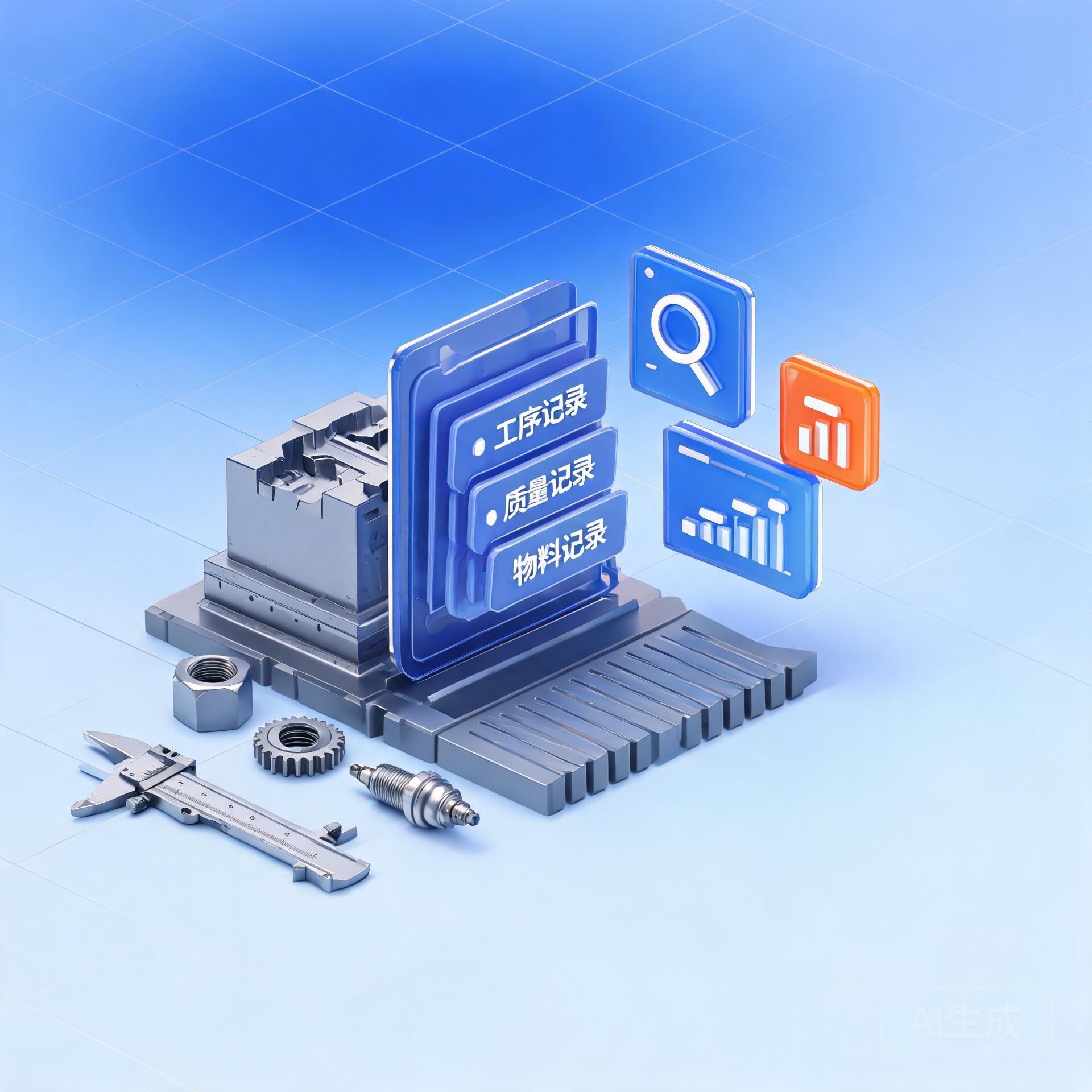
I. What Historical Data Does Mold Machining Actually Need to Record?
Many owners say they manage historical data, but open the computer and it's all running logs of reporting quantities and hours. That's only half the record. Mold machining differs from ordinary machining: one mold usually passes through at least 8 operations — incoming inspection, CNC rough machining, precision machining, EDM, wire cutting, assembly, trial molding, mold repair — and each operation's parameters, operator, equipment number, and rework reasons all affect final cost and delivery. Truly useful historical data needs vertical tracking by work order number, and horizontal comparison of how similar parts perform on different machines.
| Data Category | Typical Fields | Recording Frequency | Application Scenarios |
|---|---|---|---|
| Work order basics | Work order number, customer, mold number, order date | Once at order creation | Customer reconciliation, project archiving |
| Operation process | Operation name, machine number, operator, start/end time, tool number | Once per operation | Hour accounting, capacity analysis |
| Quality traceability | First/in-process/final inspection records, nonconformance reason codes, rework counts | Each inspection node | Scrap analysis, process improvement |
| Material linkage | Blank grade, supplier, warehousing batch, heat number | Once at material issue | Material tracing, supplier evaluation |
| Equipment ledger | Machine model, cumulative hours, maintenance records, fault codes | By cycle | Maintenance planning, depreciation accounting |
In the table above, the first two columns are achievable by most systems; the last three are where mold factories truly separate from the pack. Especially standardized entry of scrap reason codes — many shops make reporting mandatory but nobody governs "why did this piece get scrapped this time." After two years of accumulated data, pulling up a scrap-rate report shows 80% of nonconformance reasons written as "unknown" — the storage was pointless.
II. Manual Excel vs. a Historical Data Tool: What's the Difference?
I once worked with a mold factory of about 40 people whose production management ran on Excel workbooks: operations in one sheet, quality in another, equipment ledger in a third, with the work order number as the only linking field across all three. Every time a customer asked "how many EDM hours did we actually use on last year's batch of DME mold bases," the order tracker first had to find the order number, then VLOOKUP across three sheets; if a work order number had ever been changed, the search started over — half an hour if lucky, a whole afternoon if not. Last month they took a major customer's annual framework order requiring "the average machining cycle of identical-spec parts over the past 12 months" — the entire workshop stopped for two full days just to produce this.
How does a workshop with a historical data tool handle the same question? Open the client, enter the work order number or part code, and the page directly lists the part's complete timeline from the first operation to the final trial molding: which operator spent how many minutes on which machine, which cutter was used, how many reworks happened in between, and what the final inspection report number is. When the customer asks, the production manager answers in three minutes — and can attach a chart comparing hours of similar parts over the past six months.
Some owners will ask: "I already run an ERP — why doesn't it do this?" Most standard ERPs treat historical data as an archive zone — "store it and forget it" — with fields fixed by IT at deployment and unadjustable to shop-floor reality. Mold machining's operation logic is flexible: EDM sometimes runs "rough — precision — polishing" as three steps, sometimes merges into two depending on mold structure; standard ERPs struggle to adapt. A good historical data tool should integrate with MES reporting and quality management modules — reporting data flows into the history library automatically with no double entry — and operation fields should be extensible by project type, not hardcoded.
III. Five Capabilities a Good Historical Data Tool Must Have
Full-chain traceability by work order. From order creation to mold delivery, every step's parameters, personnel, times, and quality records hang under the same ID. Open the work order detail page and you see a Gantt chart listing all operations horizontally; click any node to see the photos, inspection sheets, and operator signatures from that moment — ten times faster than digging through paper archives.
A customizable scrap-reason dictionary. The system ships with common reason codes like "dimension out of tolerance," "surface galling," "missed operation," "tool wear"; administrators can add, remove, or edit them in the backend to fit the factory. Every time an operator reports work, they must pick one item from the dictionary or the submission won't go through. After a few months of accumulation, the scrap-reason distribution chart shows at a glance which operations caused the most problems this month.
Multi-dimensional comparative analysis. Not just one statistics table. For example, to see "average machining duration of identical-spec mold bases on machine A vs. machine B this quarter," the system automatically computes the mean difference and standard deviation between the two datasets, and can even draw a box plot showing the fluctuation range. This is especially useful for shops with many CNC machines — buy new equipment or repair the old, let the data decide.
Frictionless data export. Historical data must not be locked inside the system. Export to Excel for finance's cost accounting, to PDF for customer delivery reports, or feed it in a specified format to BI tools for more complex multi-dimensional analysis — all one click, not another IT integration project.
Mobile queries. While inspecting the shop, a supervisor scans the work order QR code on a phone and pulls up the mold's machining history — no walking back to the office to open a computer. When a customer suddenly calls about progress, you can answer standing at the machine.
IV. Three Pitfalls to Avoid During Implementation
The first pitfall: "backfill three years of data at go-live." Nearly every owner preparing to adopt a system wants to do this. The result: the workshop stops for a week, veterans grumble, and the backfilled data turns out inaccurate anyway because dates and work order numbers got mixed up. The right approach: from go-live day onward, enter all new data strictly every day; backfill selectively, prioritizing "important work orders from the past 6 months," and simply skip stale data older than a year.
The second pitfall: "letting IT own the data-entry standards." IT handling installation and operations is fine, but which scrap reasons must be mandatory and which operations record tool numbers — only the workshop supervisor and veteran team leaders can say. Ensure at selection time that the system supports "business-side custom field dictionaries" in the backend, and have team leaders spend half a day reviewing the entry templates together before go-live.
The third pitfall: "assuming the tool solves everything." Historical data is settled over time, not conjured by the tool. The first three months matter most — every day, ten minutes before end of shift, the team leader spot-checks that day's entries and points out omissions or mistakes on the spot. After a month of this, operators form the habit; only then does data analysis become meaningful.
V. How Moges Does This
In Moges' MES designed for the mold machining industry, historical data recording is a component integrated with reporting, quality inspection, and equipment modules — not a bolt-on. When an operator taps "complete" on a PDA, the system automatically records the current time, operator account, and machine number; when an inspector enters a nonconformance, they must choose from the preset reason dictionary; when maintenance scans in a service log, the equipment ledger's cumulative hours refresh automatically. All records hang in the history library under unified work order numbers, supporting cross-filtering along five dimensions: work order, part, machine, customer, and scrap reason.
Among Moges' customers is a precision injection mold factory where, three months after go-live, scrap-reason coverage rose from 40% to 95%. The scrap-reason distribution chart revealed that "dimension out of tolerance during EDM precision machining" accounted for 60% of all scrap. Further tracing found a batch of graphite from two years earlier with insufficient thermal stability; the factory switched suppliers decisively, and that single change cut quarterly scrap rate from 7.8% to 4.1% — saving over 180,000 yuan a year in material and hour costs.
When choosing a tool, don't be dazzled by flashy features. First be clear about the two or three concrete problems you most want to solve — say, "next year I want to give customers quote ranges for identical-spec parts" or "I want to trace scrap causes back to operations and machines" — then take that list into demos, and choose whichever maps fastest onto your real scenarios. Historical data in mold machining isn't expensive; what's expensive is never having it when the customer asks and you can't produce it.