How to Choose a Non-Standard Automation Project Progress Tracking Tool? A 2026 Comparison of Four Solutions and Landing Steps
2026-11-14 10:10:17
Non-standard automation projects share one common pain: the contract is signed and the equipment has entered the site, but the boss and project manager can hardly say "which step it is stuck at now and how much remains to delivery". A stopped production line costs a day per day, yet progress relies on scrolling WeChat groups and the shop supervisor's verbal reports — delays usually surface two to three weeks late. A tool laying every process's, every machine's, and every person's status on the table in real time is becoming the watershed of whether non-standard projects deliver on their nodes.
Quick summary:
- Non-standard automation progress tracking tools: aggregating process, equipment, personnel, and material statuses onto one dashboard in real time.
- Moges's 200+ customer data: average project delays fell from 22 days to 7 days after launch.
- On-site reporting to dashboard refresh within 5 minutes; anomalies alert responsible persons within 1 hour.
- Standalone edition launches in 3 days, full-flow edition in 2–4 weeks, with collection improvement visible within the first project cycle.
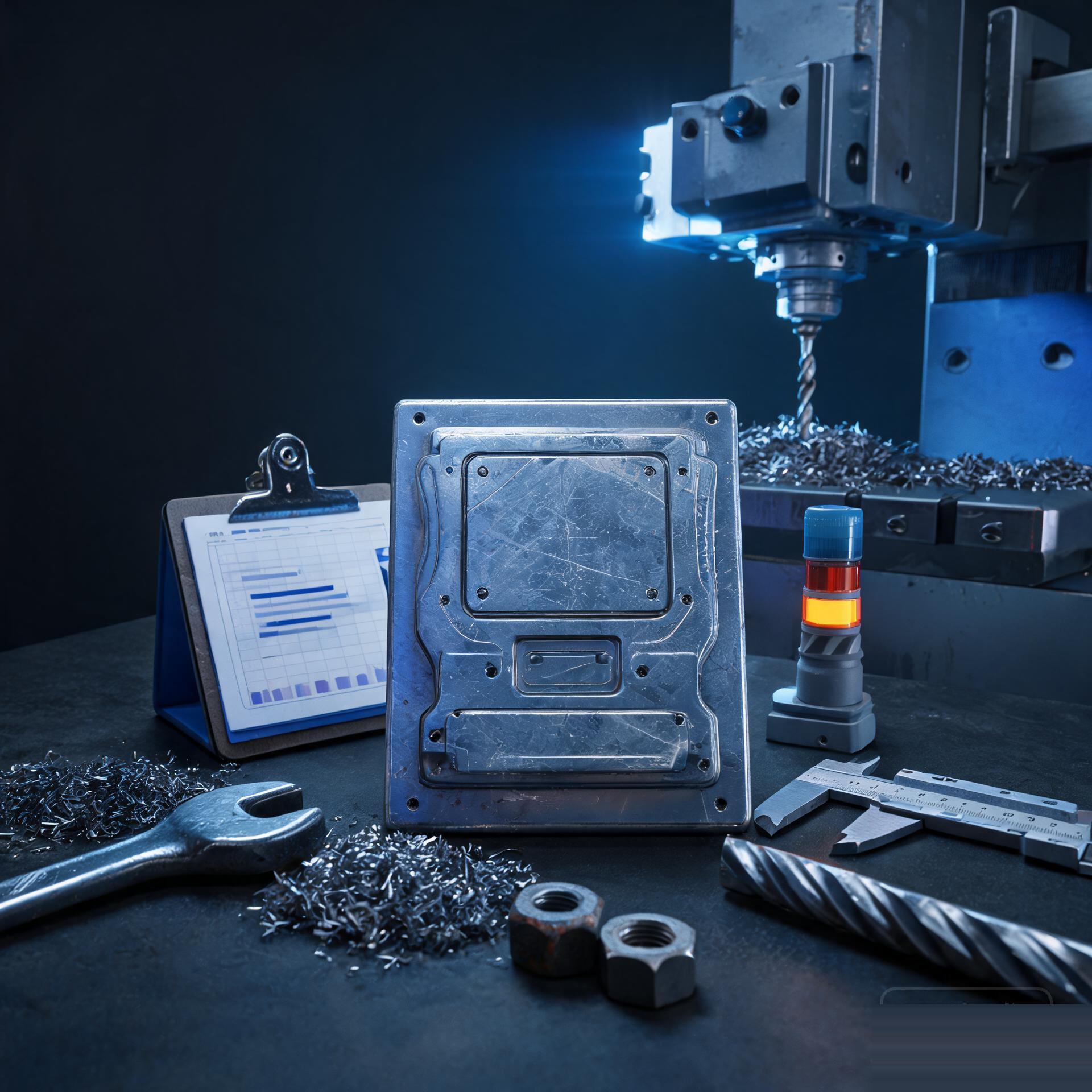
The table below puts the market's three common progress tracking approaches side by side, so selection can quickly locate your tier. Pure manual and Excel barely hold below 5 projects; once simultaneous non-standard projects exceed 8 and cross-shop collaboration grows, data lag and inconsistent conventions become the norm.
| Tracking method | Data refresh frequency | Anomaly response speed | Suitable scale |
|---|---|---|---|
| Verbal + WeChat groups | Same day or next day | Discovered already delayed | 3 or fewer simultaneous projects |
| Excel shared sheets | Half a day to a day | Hours to a day | 3–8 projects, single shop |
| Professional progress tracking system | Within 5 minutes | Warnings within 1 hour | 8+ projects, cross-shop |
As seen, what decides the method is not company size but the number of simultaneous non-standard projects and cross-departmental collaboration complexity. As projects multiply, three problems recur: Excel version conflicts, delayed responsibility entries, and inconsistent data conventions — precisely the core that progress tracking tools solve.
1. Why Non-Standard Projects' Progress Always Lags
Non-standard automation projects' schedule slippage rarely comes from one process suddenly slowing — more often the information chain breaks. Design issued a new drawing version, but the shop machines per the old one; a standard part's delivery slipped, but the project plan never synced; assembly finds dimensions mismatching, and the problem surfaces only at the weekly meeting two days later. Each link's information gap is small — stacked together, two to three weeks of delay.
The deeper cause: non-standard projects' processes are inherently dynamic. Standard products can fix process routes in advance, but non-standard equipment often changes while assembling — one process change affects three to five downstream processes. Without real-time progress data, project managers guess by experience, and wrong guesses mean delays. This is also why many enterprises adopt ERP and still fail to solve progress — ERP manages orders and inventory, not the real-time status of every shop process.
Moges has built non-standard equipment management software since our 2012 founding — 14 years deep — and among our 200+ customers, over seventy percent of delays were not equipment capability problems, but progress information failing to reach decision-makers in time. Closing the information gap naturally shortens delivery cycles.
2. What Exactly Does a Progress Tracking Tool Track
A qualified non-standard automation progress tracking tool tracks not the vague "project overall completion percentage" but four concrete things: processes, equipment, people, and materials.
At the process layer: every machining or assembly process has explicit start times, planned completion, actual completion, and current owner. Inter-process dependencies are drawn clearly too — so once one process slips, the system auto-computes which downstream processes are affected, rather than waiting for the project manager to push manually.
At the equipment layer: know which work order each CNC, EDM, and assembly station is running and when it will free up. Equipment is the bottleneck resource — queuing for equipment is one of the most common delay causes in non-standard projects, and without seeing loads, reasonable scheduling is impossible.
At the personnel layer: how many jobs each technician, assembler, and commissioning engineer holds and where each is stuck — visible at a glance. Non-standard projects depend heavily on key positions: one commissioning engineer contested by three projects guarantees chaos.
At the material layer: standard parts, outsourced parts, and custom parts' arrival statuses bind to processes. One missing screw stalls the whole assembly line — yet many enterprises' material status lives only in procurement's Excel, invisible to the shop.
Only when these four dimensions' data aggregate onto one dashboard in real time can the project manager truly "see" the project instead of guessing. Moges PMS9's progress dashboard is designed on this logic — connecting the four layers of process, equipment, people, and materials, with anomalies auto-flagged red and pushed to responsible persons.
3. How to Land from Initiation to Delivery
Adopting a progress tracking tool is not buying software and installing it — the key is making shop staff willing to report and accurate. Landing runs in three steps.
Step one: decompose projects into trackable process granularity. Too coarse is meaningless — an "assembly" process spanning two weeks hides problems inside; too fine and workers resist reporting. Experience says split processes to "one person completing at one station in half a day to a day" — fine enough without over-burdening entry.
Step two: pick the lowest-resistance reporting method. PDA scan reporting, shop touch screens, and mobile reporting all work — the key is workers finishing in two taps, with no field-pile filling. Moges's reporting interface keeps only process, quantity, and status as mandatory, with other information auto-carried.
Step three: build the anomaly response mechanism. When the system finds a process past its preset threshold, it auto-pushes messages to the responsible person and project manager — not waiting for the weekly meeting. Thresholds set per process type: tighter on critical paths, looser on non-critical ones.
The easiest landing pit is rolling out company-wide at once. Recommend piloting on one active non-standard project — running the complete chain from reporting to dashboard to anomaly warnings — letting the project manager and shop supervisor see real effects before extending to other projects. Least resistance, easiest internal support.
4. Which Metrics to Examine at Selection
Plenty of production management software exists, but what truly fits non-standard automation progress tracking hinges on four metrics.
First: can inter-process dependencies be flexibly configured. Non-standard projects' process routes change constantly — systems demanding all dependencies fixed upfront and hard to change mid-way are painful. Good systems support adjusting process orders and dependencies anytime, auto-recomputing critical paths after adjustment.
Second: is the equipment load view real-time. Seeing each machine's current order, queued orders, and expected free time directly decides scheduling reasonableness. Some systems only have after-the-fact utilization statistics with no real-time loads — limited help for progress tracking.
Third: can anomaly warnings have custom rules. Different projects and processes tolerate delay differently — the system should support warning thresholds and notification targets per project and per process type, not one-size-fits-all.
Fourth: integration capability with existing systems. If the enterprise already runs ERP for orders and inventory software for materials, the progress tracking tool must connect with them — avoiding duplicate data entry. Moges PMS9 provides standard interfaces connecting with mainstream ERPs and inventory systems — no starting over.
Conclusion
Non-standard automation projects' progress management is essentially a race against information gaps. Whoever lays process, equipment, personnel, and material statuses on the table in real time finds problems before delays happen, adjusts resources, and recovers schedules. A fitting progress tracking tool is not a panacea — but it turns management decisions from "guessing by experience" into "deciding by data", precisely the key step for non-standard enterprises moving from rough to lean.