Do Not Treat Checking Fixture Design and Manufacturing Software as Merely a Drawing Tool: This Is Where Many Factories Go Wrong
2026-05-29 08:04:20
Introduction: Why Does Spending Hundreds of Thousands on Software Make Things Worse?
Last month I had tea with a boss in Kunshan who makes checking fixtures. He keeps thirty to forty sets of custom checking fixtures in production year-round, with an annual output value of over 20 million. Recently he complained that a couple of years ago he gritted his teeth and spent over 300,000 upgrading to the latest design software; drawing got 30% faster, yet delivery delays actually increased, and last month he lost two automaker nomination orders in a row. I asked him where the problem was. He said: I'm puzzled too — drawing is faster, so why can't we finish? The problem is actually simple: he got the positioning of "checking fixture design and manufacturing software" fundamentally wrong — most people think this thing is a design tool for designers to draw, a replacement for UG or AutoCAD, but it simply isn't. Put it this way: drawing is only the first step of checking fixture manufacturing. When design and manufacturing are disconnected, no drawing speed can fill the delivery hole.
The Pain Point of the Checking Fixture Industry Is Not Slow Drawing at All
I have worked with many checking fixture factories with annual output values from 10 million to 500 million, and most bosses' pain points are not insufficient design capability — factories that can win stable orders never draw poorly. The problems all lie in the collaboration after design. Checking fixtures are a fully customized industry: one set, one version, no repetition. From design drawing release to raw material procurement, process machining, outsourced parts returning to the factory, assembly and debugging, and finally delivery — if any single link breaks down, the delivery date slips.
Typical Problems of Design-Manufacturing Disconnection
The most typical situations I have seen:
Procurement: The designer finishes the drawing, exports the BOM to Excel and sends it to procurement, who mistypes the steel grade while manually entering it into the system; the wrong material is bought, and repurchasing delays a week
Production: The machining shop's schedule misses the processes for this set of fixtures, and work sits for three days before starting
Outsourcing: The outsourced locating blocks were sent out half a month ago with nobody following up — the other side finished long ago but this side forgot to urge them, and the missing part is only discovered at assembly
Cost accounting: After a set of fixtures is finished, the boss has no idea how much money was actually made. The design changed three times, costing a dozen or more extra work hours; outsourcing added 1,000 — none of these costs were counted into the quote. It looks like an order was won, but it was actually a waste of work
Put it bluntly: no matter how fast you draw, if any downstream link goes wrong even once, all the time saved upstream is lost, and then some. Many bosses get the direction wrong — spending money on design software to speed up drawing never touches the real pain point.
Good Checking Fixture Design and Manufacturing Software Must Connect Three Core Links
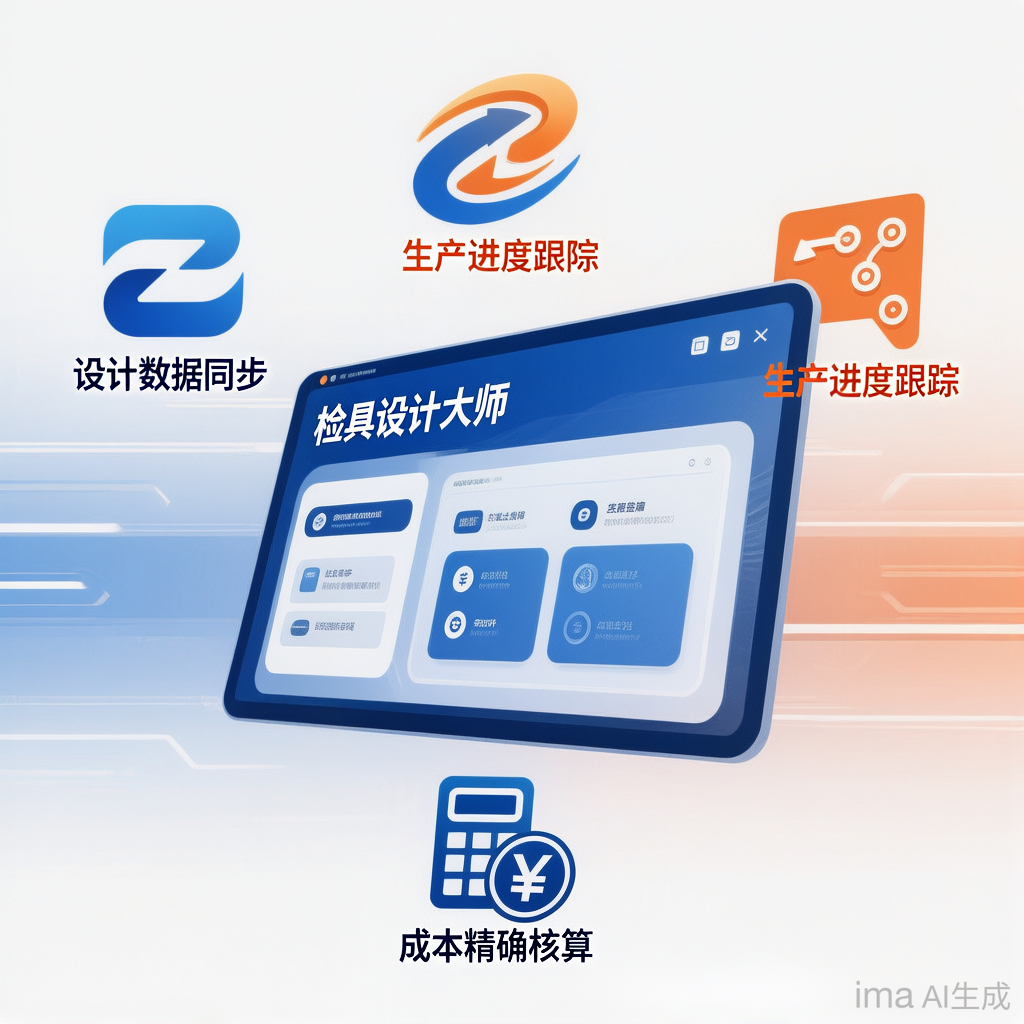
Truly usable checking fixture design and manufacturing software doesn't just serve the design department; it helps the whole factory connect the data flow from design to delivery. The core is getting three things done:
1. Design Data and Production Data Sync in Real Time, No Secondary Translation
The BOM and process requirements exported by designers sync directly to procurement and the machining shop, with no back-and-forth Excel exports or manual re-entry, eliminating wrong materials and missed processes at the source. It looks like a small thing, but it resolves at least 30% of low-level errors.
2. Real-Time Tracking of Every Set's Progress, No More Running Around the Shop to Ask
Custom fixture orders are numerous and scattered; no shop supervisor can remember the progress of every set. Good software supports scan-code reporting at each process — which step was done, by whom, whether it's overdue, whether outsourced parts have shipped back — all at a glance the moment you open the system. The boss can check from a phone while on a business trip, without calling production every day.
3. Precise Cost Accounting for Every Set, Profit or Loss Crystal Clear
Margins in the checking fixture industry are thin to begin with; one mistake means losing thousands. Good software can allocate design hours, raw materials, machining fees, and outsourcing fees down to each individual set of fixtures, so you know the moment a job is done whether it made or lost money — giving you a basis for the next quote, instead of quoting blindly and taking orders recklessly.
Moges has served more than 200 mold and checking fixture factories of exactly this scale. Our philosophy in building systems is to solve these three core problems first, without piling up big and bloated features — fix the 80% of common problems first.
When Choosing Checking Fixture Design and Manufacturing Software, Avoid These Two Common Pitfalls
When choosing checking fixture design and manufacturing software, many enterprises easily fall into the following two pits:
Pitfall One: Blindly Pursuing Everything, Wanting Every Feature
Many software salespeople pitch to small and medium checking fixture factories by opening with "we can manage attendance, finance, the entire supply chain — every feature included, several hundred thousand for a set", when in fact most of the features you'll never use at all. A small or medium checking fixture factory with dozens to a hundred-odd staff has one core need: getting every set of fixtures done on time and within cost. Those features unrelated to production not only cost more money but also increase implementation difficulty — frontline staff can't learn it and won't use it, and in the end the system sits idle.
There's a saying in the industry: for management software in the mold and checking fixture industry, 80% of the value comes from 20% of the core features — making the core features truly excellent matters more than anything.
Pitfall Two: Choosing Generic Software That Doesn't Understand the Industry
Software from pure IT companies serves every industry and has no understanding of the customization nature of checking fixtures, managing them with the logic of volume machining — awkward everywhere you use it. For example, checking fixtures are project-based: every set needs separate progress tracking and separate cost accounting, but many generic systems only support volume production mode and simply cannot meet this need. In the end, when it fails to get adopted, you can only blame the wrong choice.
For Small and Medium Checking Fixture Factories Deploying Software, the Most Pragmatic Implementation Approach
Don't be fooled into thinking digitalization is the privilege of big factories and small factories shouldn't bother. It's actually the reverse: a big factory can absorb one botched set of fixtures, but small and medium checking fixture factories have thin margins — one mistake costs tens of thousands — so they need software for error and cost control even more.
Five Principles of Implementation
Three parts software, seven parts implementation: Finding an implementation team that understands the industry matters more than the software's feature count
Pilot first, then roll out: Pick one or two shops to run the core features first; expand company-wide only after they work — don't deploy everything at once, lowering implementation risk
Don't go big and all-in-one: Deploy the core modules first; getting up and running fast beats everything
The boss must lead personally: Deploying software is the boss's project; the boss must personally drive it — don't just hand it to a department manager and wash your hands of it
Control the implementation cycle: From basic data preparation to full deployment, keep it within 3 months and it will get used
Moges' Five-Step Implementation Method
Moges' five-step implementation method goes from basic data preparation to full deployment within 3 months, deploying only core features to solve core problems, with an implementation success rate above 95% — a figure built precisely on this pragmatic approach.
The Boss Must Personally Drive It
One last point: deploying software is the boss's project; the boss must personally lead the push, not just hand it to a department manager and walk away. Frontline staff are already used to the old methods and find the new process troublesome — if the boss doesn't watch over the rollout, nine out of ten attempts fail. This is a hard-won lesson distilled from the industry.
How to Choose the Right Checking Fixture Design and Manufacturing Software?
Many checking fixture factory bosses come to me asking: when deploying checking fixture design and manufacturing software, should I choose the expensive one or the cheap one? In fact, price is not the first consideration, you