Doing Custom Automation, Are You Really Using the Right Mobile App to Track Custom Project Progress?
2026-07-08 10:01:48
Introduction: Owners Always on the Road, Stop Being a "Progress Messenger"
Last week I had tea with a factory manager doing 3C custom automation. He helplessly showed me his phone: nearly 200 project contacts saved in WeChat, and his photo album full of Excel progress-table screenshots. Out visiting customers every day, he takes seven or eight calls about progress on the road: customers asking about delivery, procurement asking about specs, assembly asking about design.
"One thing often takes half an hour, and more than half the day goes into passing messages along."
He tried using a mobile app to track custom project progress, and the result was disappointing: generic tools only show big milestones such as "the project is in the machining stage," with no view of specific part status; or the operation is so complex that workers will not update it, and the progress on the phone is always three-day-old "old news."
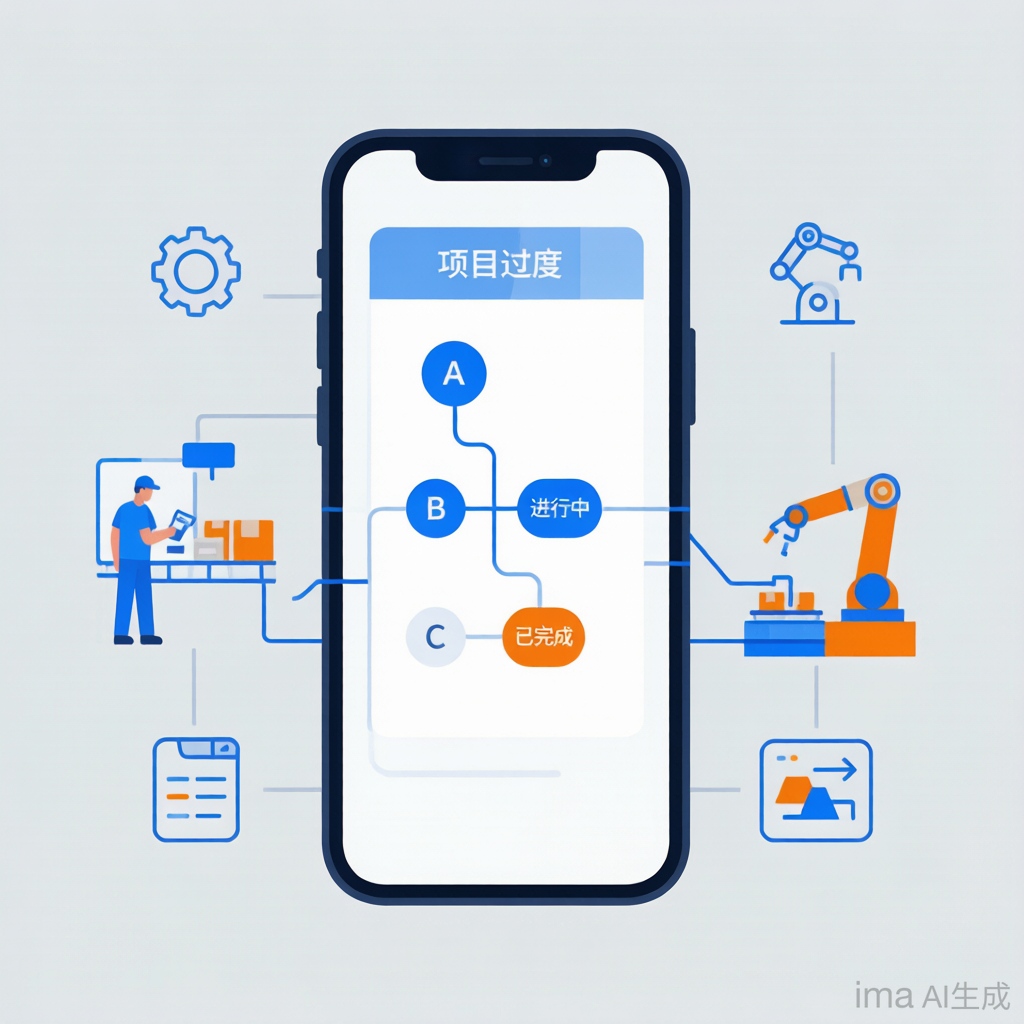
This is not just his problem; it is a pitfall 90% of small and mid-sized custom shops have stepped into in progress management.
I. In Custom Progress Management, 90% of Small and Mid-Sized Shops Have Stepped Into These Two Pitfalls
Many factories "make do" with progress management, ignoring the particularity of the custom industry, "custom-built per order, complex BOM," and so the tool fails:
Pitfall one: making do with generic tools that do not fit the business. A custom machine has at least hundreds and up to thousands of parts, and it cannot be assembled if one is missing. A generic OA or project tool can only show the macro stage; when a customer asks "has the camera base been bought," you still need to dig through purchase orders and ask the specialist, and cannot answer in seconds on the phone. This "fake informatization" is meaningless.
Pitfall two: only management can use it, and the frontline does not update. Many systems rely on desktop entry. Workshop workers and assembly masters cannot carry a computer everywhere, think "I will update after work," and then forget. The progress the owner sees on the phone lags badly; delays still happen and the bottleneck still cannot be found when a problem arises.
Without solving these two pain points, even the most expensive system is just decoration.
II. A Mobile Progress Tool Suited to Custom Work Must Meet Four Core Requirements
Being able to see the project list on the phone is only a passing grade. A truly good custom progress tool must fit the business flow deeply:
1. Automatic Status Flow; No Frequent Manual Changes
Custom projects are linked step by step: when BOM order release is complete, the system automatically switches the project status from "solution design" to "machining and manufacturing"; when all parts are received into stock, it automatically jumps to "assembly and debugging." There is no need for the project manager to change status manually, and the phone always shows the real-time truth, avoiding the absurdity of "delivered but showing assembly."
2. Drill Down to Part Level, Not Just Big Milestones
90% of custom delays are stuck on some part: a missed standard part, a delayed outsourced part, or unfinished in-house machining. The mobile side must support multi-level BOM tree expansion: tap from the project into the BOM and view each part's type and status level by level (in stock / purchasing / in transit for outsourcing). For example, Moges PMS9 supports multi-level drill-down on mobile, viewing whichever level you tap, so you can clarify the details without switching back to a computer.
3. Frontline Updates on the Spot, No Need to Turn On a Computer
When a worker finishes a process, he takes out his phone and changes the status; when a master finishes assembling a component, he fills in a note; when debugging reveals a defect, he records and tracks it on the phone. The operation takes no more than three steps, no one finds it troublesome, and progress syncs in real time.
4. Fine-Grained Permissions With Role Isolation
Based on the RBAC model, permissions are precise to the function level: customers see only the overall progress of their own project (not cost); procurement sees only the parts they are responsible for; workers change only the status of their own process. This prevents information errors and omissions while keeping business secrets secure.
III. Checking Progress on the Phone Solves "Real Money" Problems
Do not underestimate this feature; what it saves is real energy and cost:
Sales efficiency: when a customer asks, give an accurate reply within 30 seconds, showing professionalism. Sales save one or two hours of ineffective communication a day and can follow up with more new customers.
Cross-department collaboration: when assembly lacks material, a note on the phone is seen by procurement immediately; when design changes the BOM, the warehouse receives the update in seconds. This ends the waste of "design changes the size while procurement buys the old one," saving considerable material cost a year.
Project manager liberation: no need to spend every day in the workshop chasing progress; one glance at the phone identifies the delayed link and coordinates resources in advance. Many factories use this to cut the delivery delay rate by more than 20%.
Owner relief: an owner who is always on the road can scan all projects on the phone before bed, seeing any problem at a glance, without going back to the office at night to dig through documents.
Conclusion: Mastering the Basic Needs Is the Highest Level of Management
Many custom shops chase grand "big and complete" concepts while ignoring the most basic needs. For a small or mid-sized shop, doing one thing well, "checking accurate progress at any time," solves most management problems.
Checking progress on the phone is not high technology; the hard part is fitting the custom logic of "custom-built per order, BOM-driven" and getting every detail right. If your mobile software can still only show big milestones and not specific parts, it is time to reflect: is the problem with the tool or with your selection thinking?