1. Most Custom Factories' Kanban Is Really a "Static Information Wall"
2026-07-09 10:03:02
Yesterday I had tea with the owner of a custom automation company. He pulled out his phone to show me: within one week, customers had sent 12 messages asking about progress. He had just returned from a business trip that morning; design said the BOM had changed twice, purchasing said an imported cylinder would be delayed two weeks, the workshop said an outsourced machine frame hadn't come back, and the assembly crew was already standing idle waiting for parts. He said every day he opens his eyes and starts chasing progress; the office whiteboard is covered with projects, and when he leaves at night it is still full of red circles — he simply cannot tell which item is most urgent.
This is the daily reality of most custom factory owners: a project kanban exists, yet they fight fires every day. Today let's discuss why your kanban doesn't work, and what a genuinely useful kanban should look like.
1. Most Custom Factories' Kanban Is Really a "Static Information Wall"
The kanbans I see at most small and mid-size custom factories come in two flavors:
A small whiteboard by the office door: the project manager spends 10 minutes updating it each morning; whenever a design changes or a part slips and the update is missed, the board is wrong. It looks tidy when customers visit, but the information is at least 8 hours stale.
An Excel electronic board: stored on the project manager's computer. When the owner travels and wants progress, and the manager happens to be on leave, everyone just waits. And the Excel links fell apart long ago — after a BOM change, inventory didn't sync, so it looks fully stocked until assembly reveals two missing sensors.
Custom projects are single-unit builds; every project's BOM differs, design changes, purchasing delays, and outsourcing slips are everyday events — a static board simply cannot keep up. Many people get the concept wrong from the start: they treat the kanban as an information display for customers rather than an internal risk-warning tool.
2. A Good Custom Automation Kanban Must Nail Three Dimensions
A kanban is not for show. It must break the core information down thoroughly, covering at least three dimensions:
Automatic status flow across the whole project chain
From initiation, scheme design, and manufacturing to assembly and commissioning, no stage needs manual status updates — completing one stage flows to the next automatically. On the board you can see at a glance which projects are delayed (marked red directly) and which are less than a week from delivery. Each project is bound to a single responsible person, so when problems arise you find them directly instead of asking through three or four layers.Full-chain linkage with BOM, purchasing, and machining
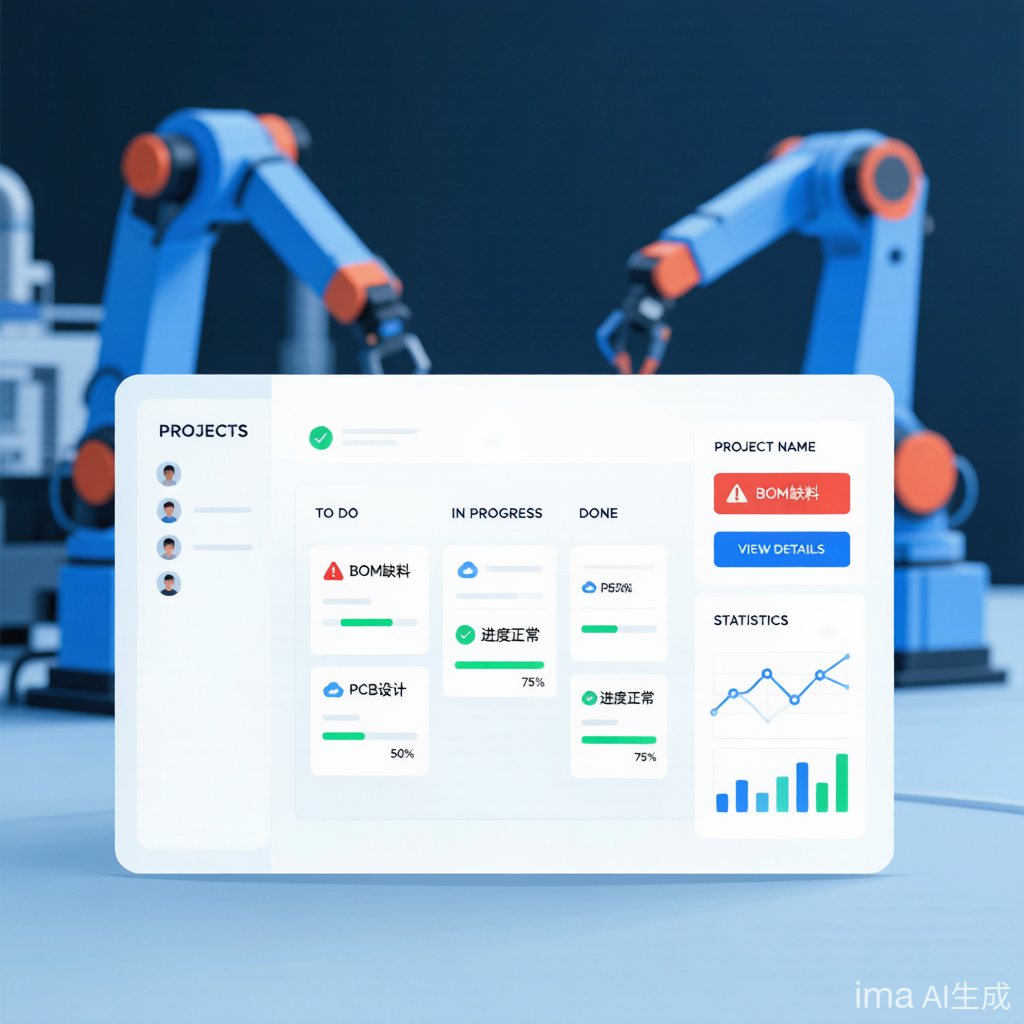
This is the biggest difference between a custom kanban and a batch-production kanban. The board must not only show project stages — it must drill down to each part's status: have standard parts been ordered? Have outsourced parts returned? Which operation are in-house parts at? When configuring the Moges PMS9 kanban, I deliberately had BOM gaps marked directly on the project card — you can see which project is short of materials at a glance, saving enormous communication time.Risk warning in advance
A good kanban doesn't wait for problems to appear — it tells you early which project risks delay. For example, if an outsourced part is 3 days past the agreed return date and still hasn't come back, the board flags that project yellow immediately; the project manager chases it early instead of discovering the problem when assembly has already stopped.
3. The Three Most Common Kanban Pitfalls
Pitfall 1: information crammed too full, nothing stands out.
Some owners think more features is better, piling cost, payments, and parts onto one page. A custom kanban really needs only two cores: is there delay risk? Where is it currently stuck? Hide everything else on a second-level page.Pitfall 2: the kanban is disconnected from business operations.
When workers must separately update the board after finishing work, everyone finds it a chore over time and the board becomes decoration. A truly usable kanban syncs all statuses from business actions automatically: an operation is reported complete, the board updates; goods are received into the warehouse, inventory changes — no second manual entry.Pitfall 3: no permission control, anyone can edit.
Some small shops skip permission control entirely, so a salesperson eager to make progress look good to the owner flips a status to "machining complete" when nothing was done, wrecking the schedule. Fine-grained permissions are a must: workers report only their own operations, project managers edit only their own projects, and the owner sees the full picture.
4. Small Details for Landing Kanban Management
Building a kanban is not a big project. Get a few basics right and you solve 80% of the progress-chasing problem:
Unified project numbering: ideally generated automatically by the system (such as year + serial number), avoiding duplicate names across multiple projects for the same customer.
Unified status definitions: don't let one manager say "machining" and another say "in production" — fix a small set of statuses per the standard process and make everyone follow it.
Don't build a kanban for the kanban's sake: start from the core need — solving daily progress-chasing and information asymmetry — and optimize gradually once it works.
Summary:
Many people blame low profit on price pressure, but run the numbers: a delayed delivery penalty of 5 points, idle labor from waiting on materials another 3 points, and management cost from daily progress-chasing another 2 points — 10 points of profit gone. The core of kanban management is putting information that used to live in people's heads out in the open, so everyone knows what to do and what is urgent.