FAQ
Q: What if I am not satisfied with the result?
A: We promise a full refund if you are not satisfied, and after delivery you can still get 3 free fine-tuning rounds. The trial-and-error cost is almost zero, so you can try with confidence.
Q: We are a small mold shop with 20 to 30 people. Is this automatic calculation tool expensive, and is it worth it?
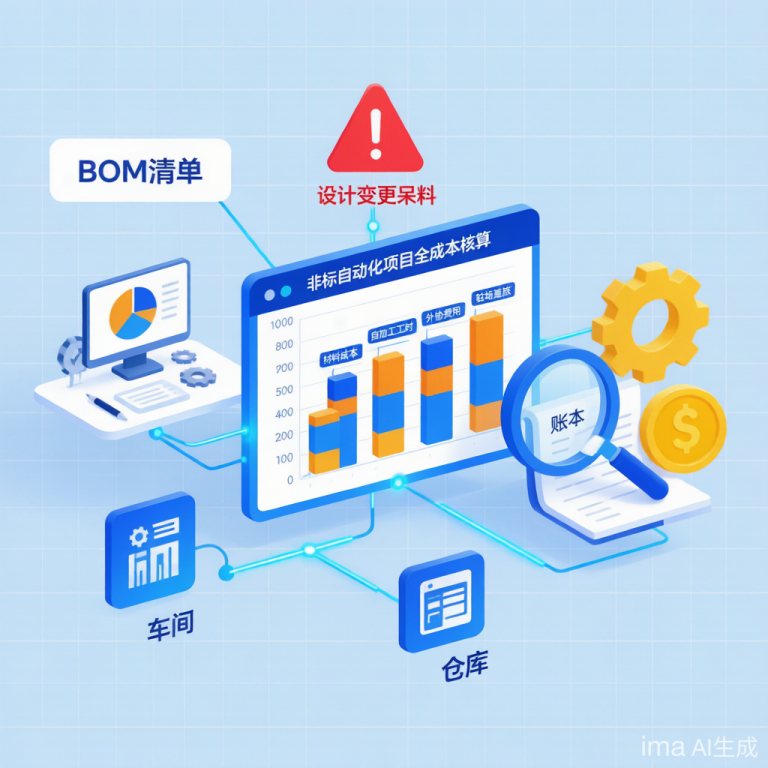
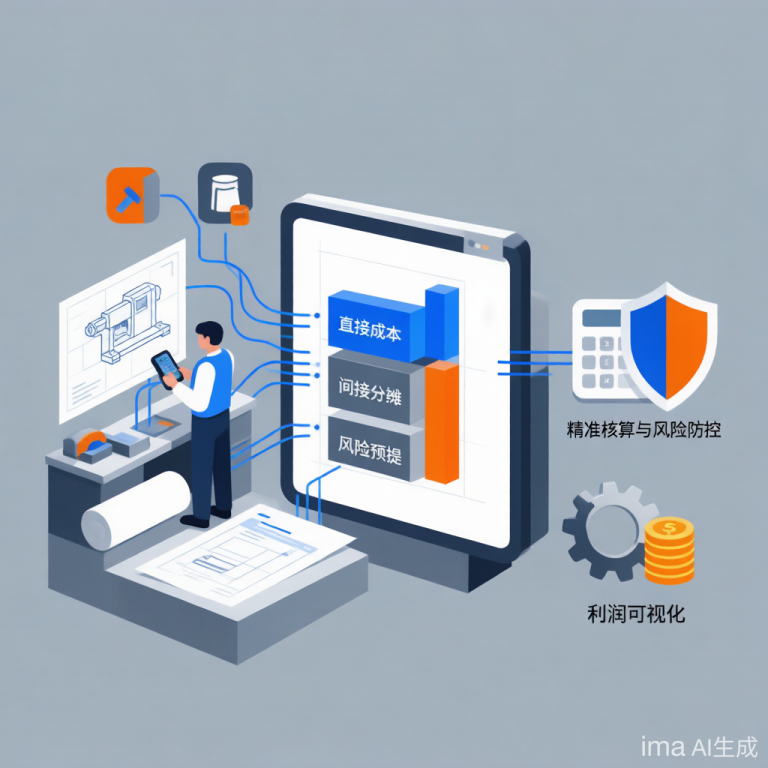
A: Most tools for the mold industry today are billed by annual subscription at a modest price that small shops can easily afford. Compared with the loss from one order miscalculated or one order lost to slow quoting, this investment is really small. Once in use it saves a lot of time spent on manual calculation and improves quote accuracy, so the value for money is high for a small shop.
Q: What should you do if the PDA intermittently loses connection or fails to scan barcodes in a workshop with weak signal strength?
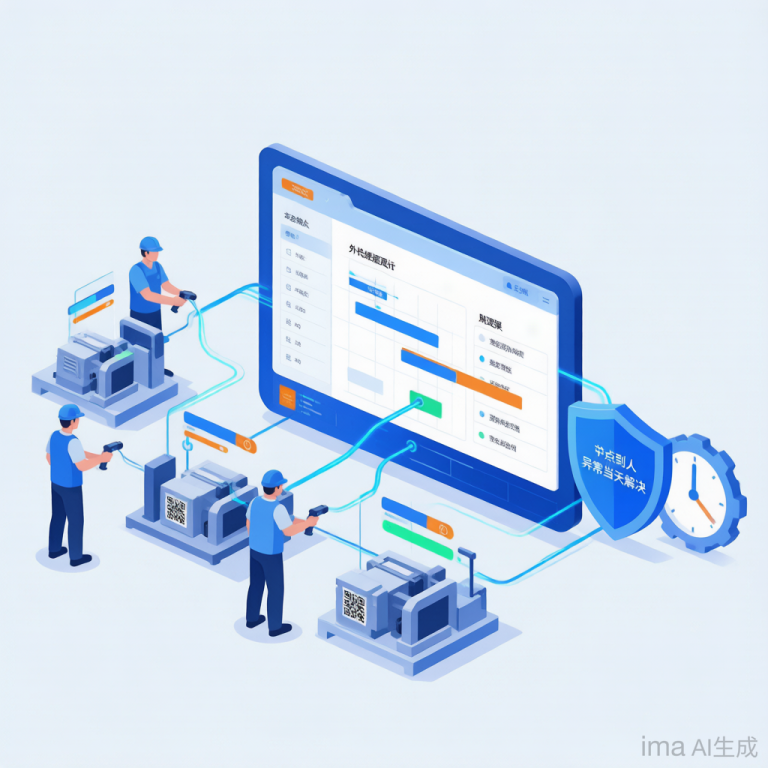
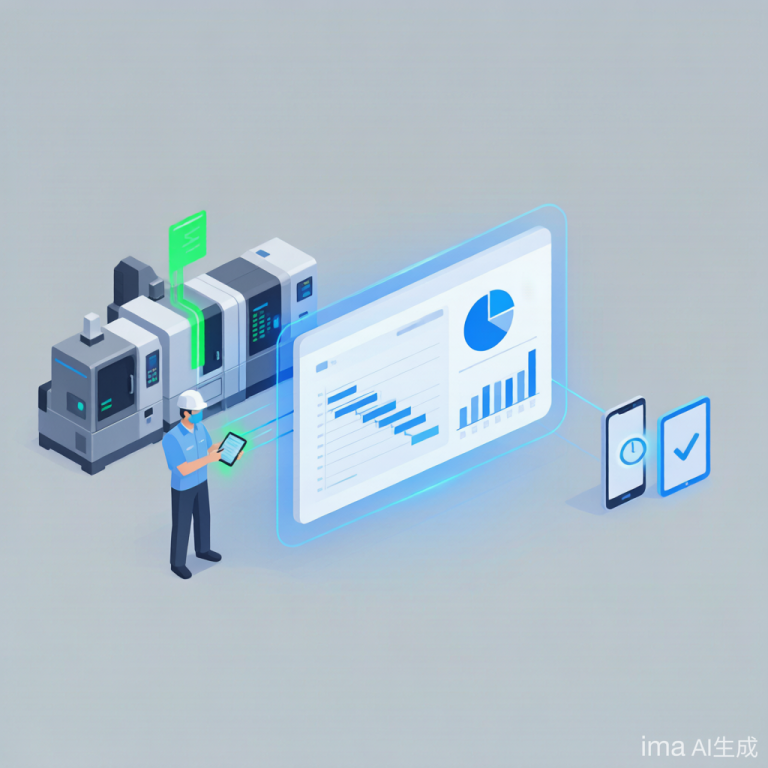
A: The Moges production management system's PDA terminal fully supports offline scanning mode, allowing for normal scanning and job reporting operations even in environments with no network signal. All data is temporarily stored locally on the device. However, to ensure the real-time and accurate tracking of production progress, we require the device to periodically connect to the network for data synchronization, preventing delays in progress updates due to prolonged offline operation. The "spinning" or "no response" issues you may encounter typically occur in "critical network states" – situations where there is a weak signal that is insufficient for rapid data transmission. In this case, the system attempts to initiate real-time interaction, but due to poor network quality, it experiences timeouts. The solutions are as follows: one, move the PDA to a location with better signal coverage, such as the middle of the workshop or near the entrance, to perform scanning operations. This will typically restore normal operation immediately; or two, in areas with no signal, the system will automatically switch to offline mode. Once the device returns to an area with a network connection, it will automatically upload the data. Important Note: While the offline mode is powerful, we strongly recommend that you keep the device connected to the network (we recommend at least one synchronization every 2 hours) to ensure that the production progress, inventory data, and quality records in the Moges system are always accurate and up-to-date, providing reliable information for management decision-making. We also recommend adding a wireless AP at key locations in the workshop to optimize overall network coverage.